November 6, 2026
What's New: Customizable views and more updates!
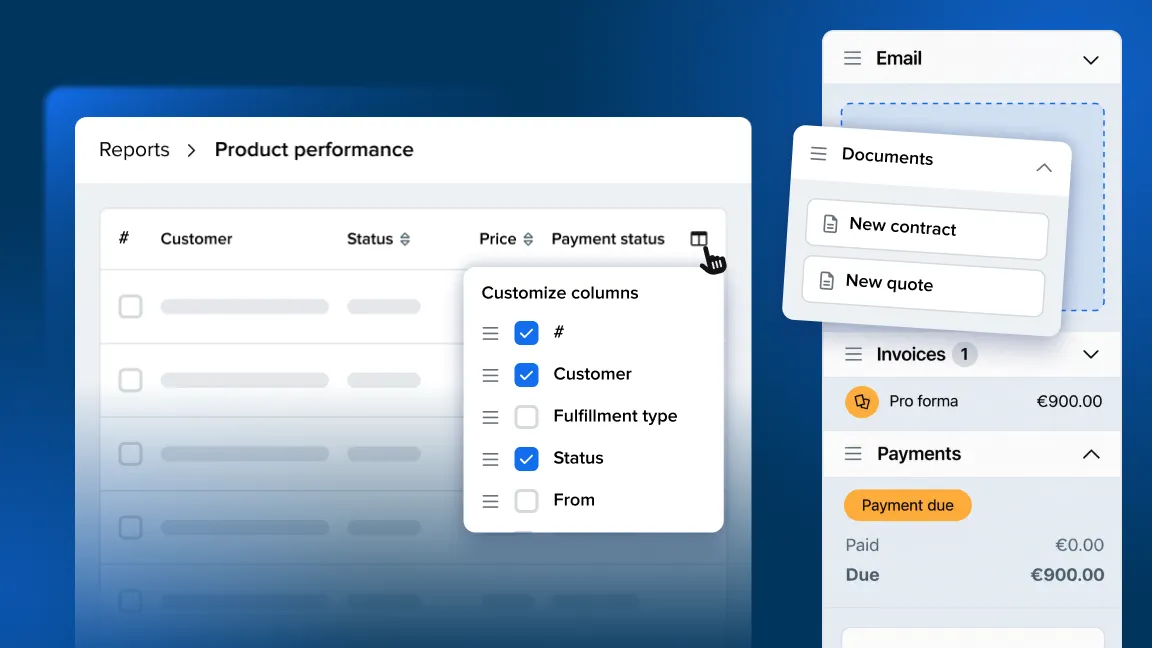
Customize your views across your account to see important details, compare information more easily, and stay focused on what matters.
With customizable views, you can:
-
Choose what information to show or hide
-
Display custom fields
-
Reorder columns and side panels
-
Resize columns to make your custom view
Check it out in the Orders, Customers, Inventory, Documents, and Reports sections.
Sidebar panels can now be reordered as well so you can always see the most important information first.
Other fixes and improvements
Payments
- We’ve added a new setting to hide Stripe from the online checkout, in Settings > Back office > Payment providers. Stripe can stay connected for back office payments without being offered to customers in the online store.
Online store
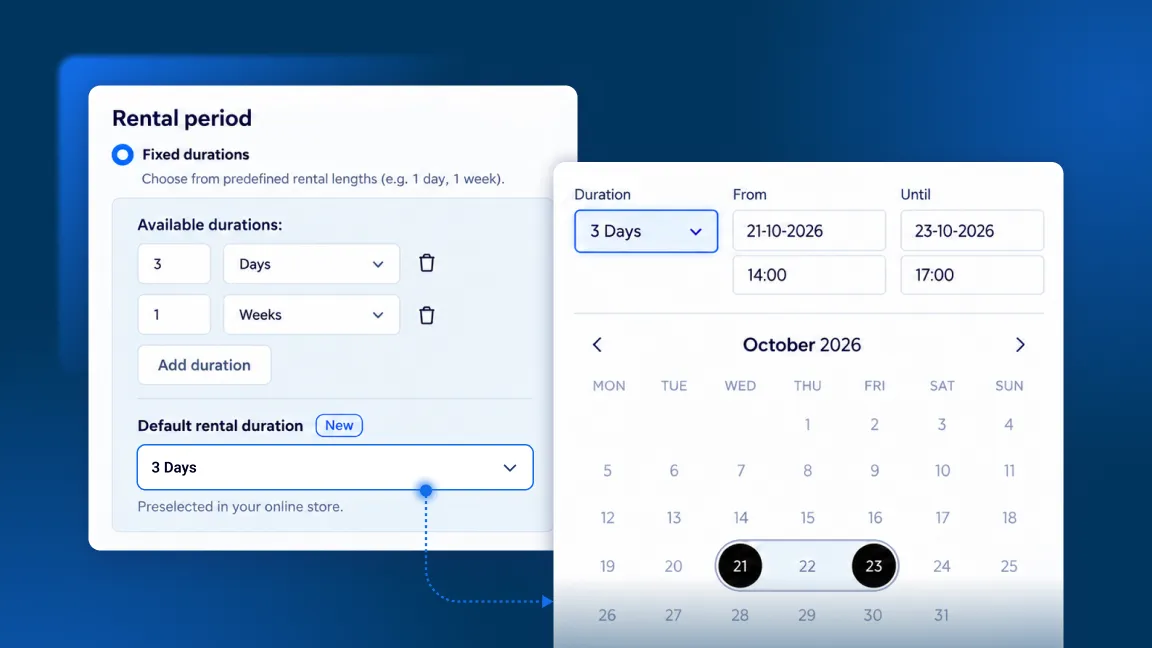
- The period picker now works better with screen readers. It reads out stock quantities, time availability, and clashes with items already in the cart.
Settings
- We now show more clear error validation in the “Additional scripts” field when it comes to HTML script tags.
Orders
-
We fixed an issue where the address window needed two clicks on Cancel to close. It now closes on the first click.
-
We’ve improved touchscreen responsiveness in Booqable, so tapping a customer’s name now reliably opens their details.
Inventory
- The delete confirmation for a product note could close before you could click delete. It now stays open.