

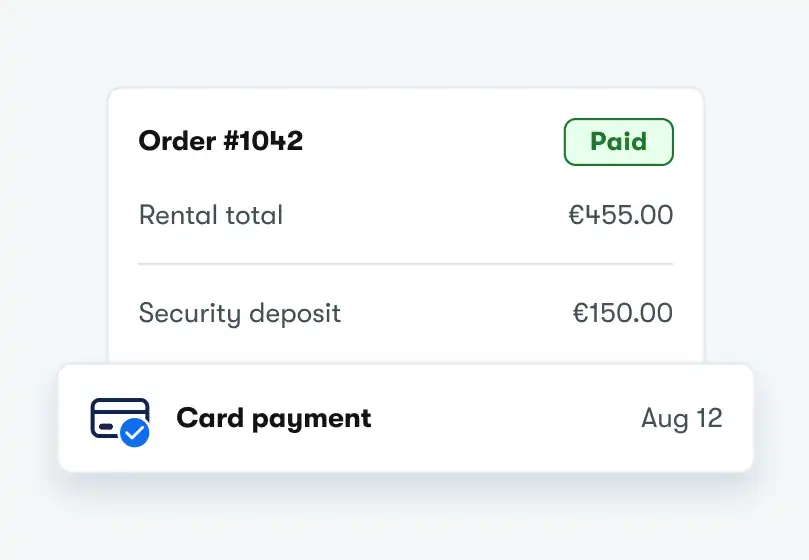
Accept payment at checkout
Accept cards and other supported payment methods during checkout.
- Collect the full amount at checkout
- Require a percentage upfront
- Let customers pay later
Accept payments through online checkout, payment links, and Tap to Pay with leading payment providers.
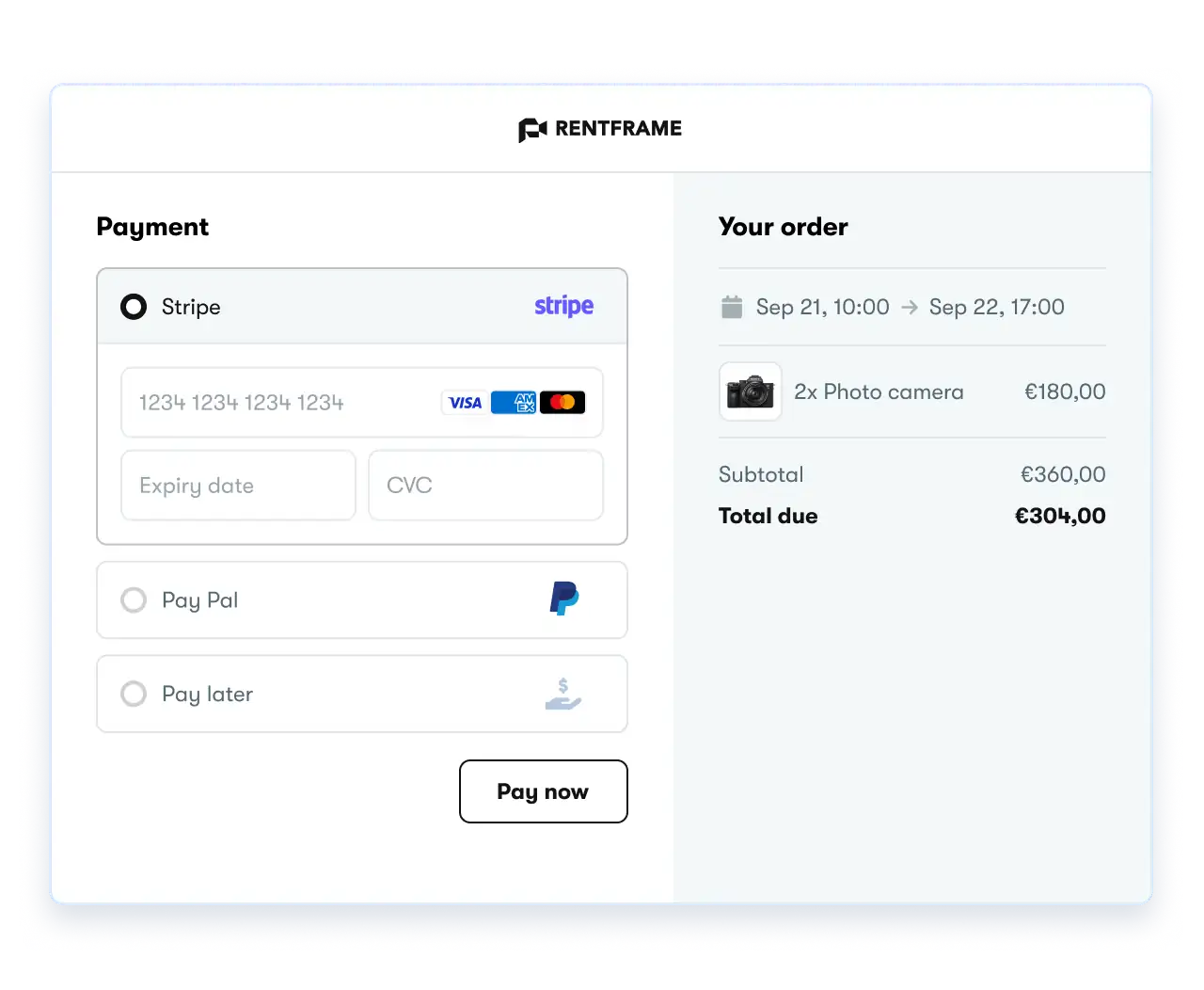
Use the provider that best fits your business, location, and payment setup.
More coming soon...
Available payment methods depend on your connected provider and location.
Booqable fits around how you actually take orders, not the other way around.
Accept cards and other supported payment methods during checkout.
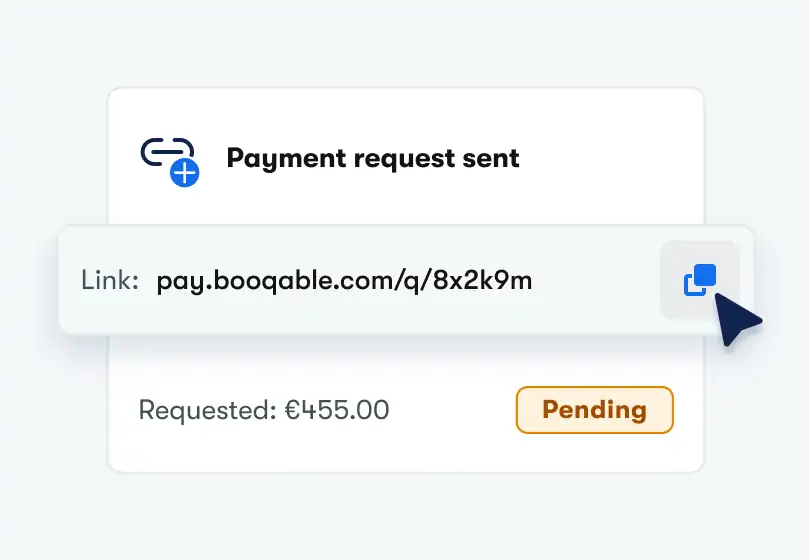
Send customers a secure payment link and let them pay on their own time.
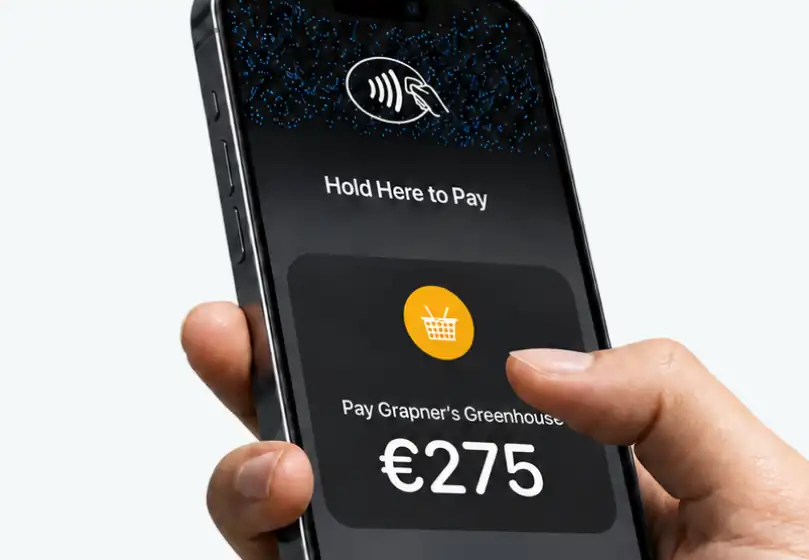
Accept contactless payments in person with Tap to Pay on your phone.
See which payment features are supported by each provider.
| Feature |

|

|

|

|

|
|

|
|---|---|---|---|---|---|---|---|
| Online checkout | Supported | Supported | Supported | Supported | Supported | Supported | Supported |
| Payment requests | Supported | Supported | Supported | Supported | Supported | Supported | Supported |
| Refunds | Supported | Supported | Supported | Supported | Supported | Supported | Supported |
| Pre-authorizations | Supported | Supported | Supported | Supported | Not supported | Not supported | Not supported |
| Tap to Pay | Supported | Not supported | Not supported | Not supported | Not supported | Not supported | Not supported |
Limited support depends on the payment method used. Some legacy Teya connections don't support refunds.
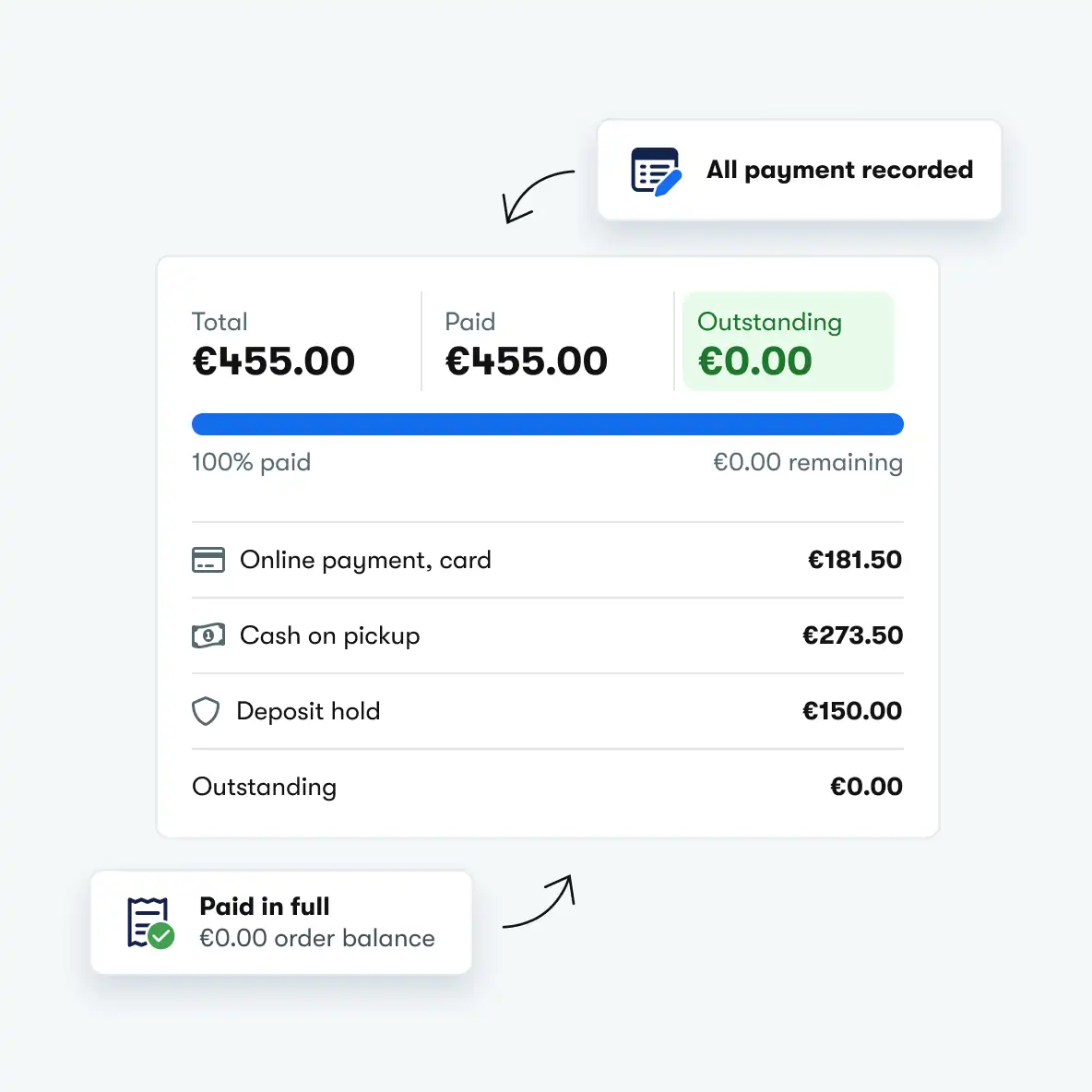
Not every payment goes through your connected provider. Record payments made outside Booqable and keep the balance on every order up to date.
Record cash, bank transfer, or card terminal payments
Split a total across multiple payments and payment methods
See the outstanding balance on every order and invoice
Get full access for 14 days and see how easy managing rentals can be.