July 16, 2026
What's New: E-Signatures
Start accepting signatures online with the new E-Signatures feature!
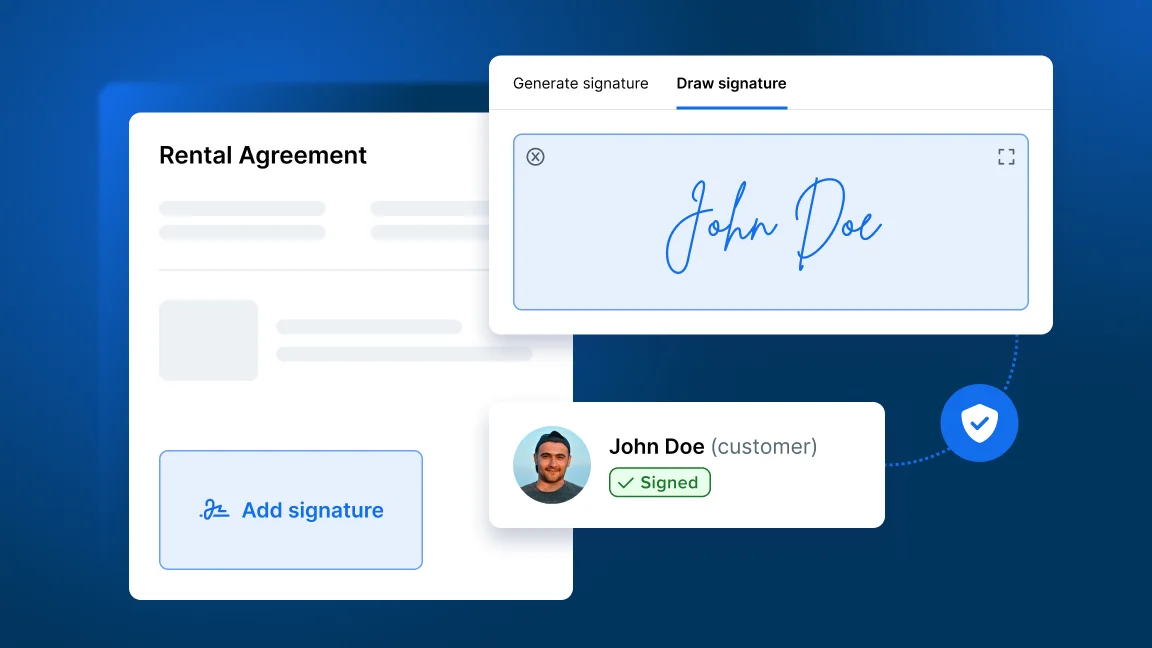
What’s new with E-Signatures?
Request e-signatures on quotes and contracts to get them confirmed faster and keep signed documents organized in Booqable.
-
Send customers a secure link to sign quotes or contracts online
-
Get documents signed ahead of time to save time during peak hours
-
Keep signed documents stored with the order in Booqable
-
Maintain a clear record of confirmed quotes and agreements
-
Let customers download or print signed documents for their own records
How to access E-Signatures
This feature is available on the Grow plan or higher.
Go to Settings > Account and billing to see if you are subscribed to the right plan or you can upgrade to get access to this feature and more.
How to collect E-Signatures
To start using e-signatures, follow these steps:
-
Go to the Orders section and access an order or create a new one.
-
Generate a New quote or New contract from the right sidebar.
-
Open the document.
-
Click Request signature or Copy signing link and send the link to the signature page to your customer.
-
Once your customer has the link, they can sign it and it will be updated in Booqable!
For more information, read the Help Center article on How to collect e-signatures on documents and check out the “Request a signature online” section. You can also watch the video on our YouTube channel!