October 22, 2026
What's New: More control over fixed durations and more improvements!
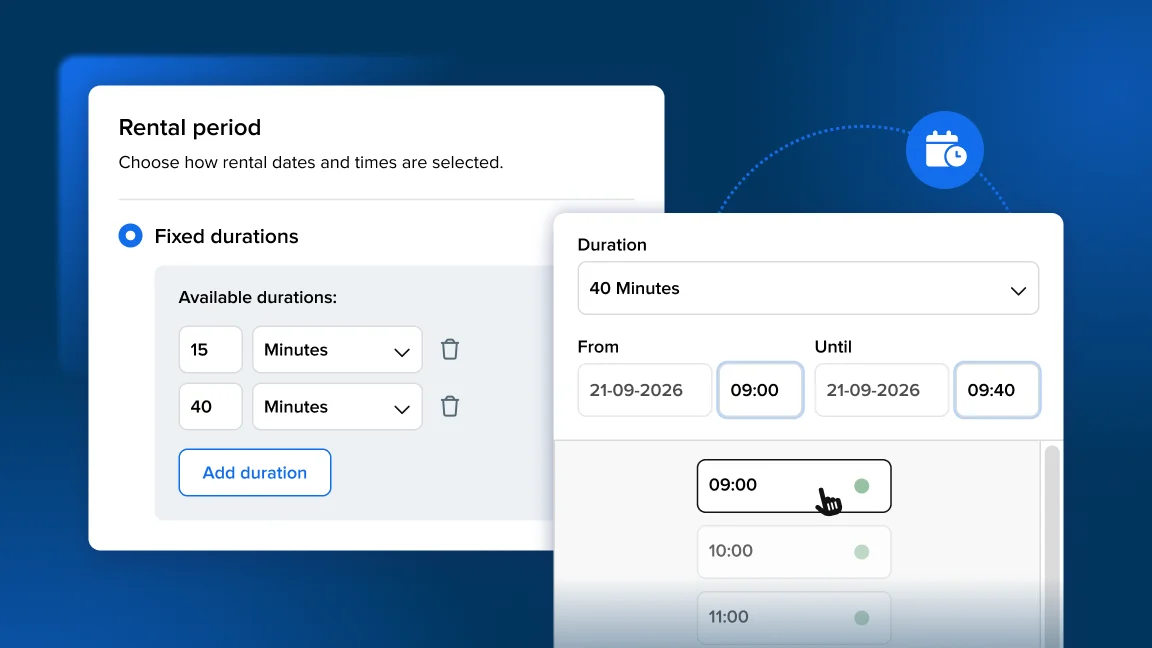
Take control of your default rental duration! Instead of always showing the shortest one, choose which duration customers see first when using fixed durations.
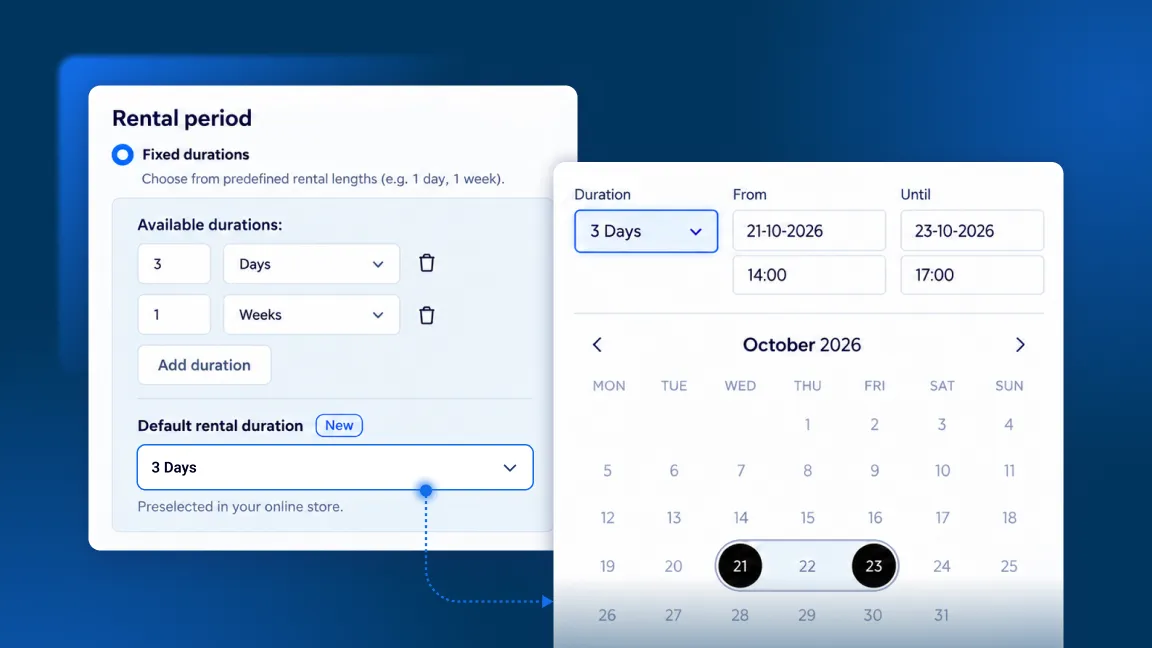
Set your preferred default in Rental period settings, at the bottom of the Fixed durations panel.
More fixes and improvements
Rental period settings
-
We’ve added a Pre-fill the times option to default order times. Save you and your customers clicks by having the picker automatically select times.
-
We’re adding more Time intervals to your rental period settings including a 5, 10, and 20 minute option. This is currently being rolled out for batches of randomly selected users, so it won’t appear for everyone at once.
-
The date picker is now easier to use with a keyboard and screen readers. You can move around the calendar with the keyboard, and screen readers announce which days are available and any errors in typed dates.
Availability
-
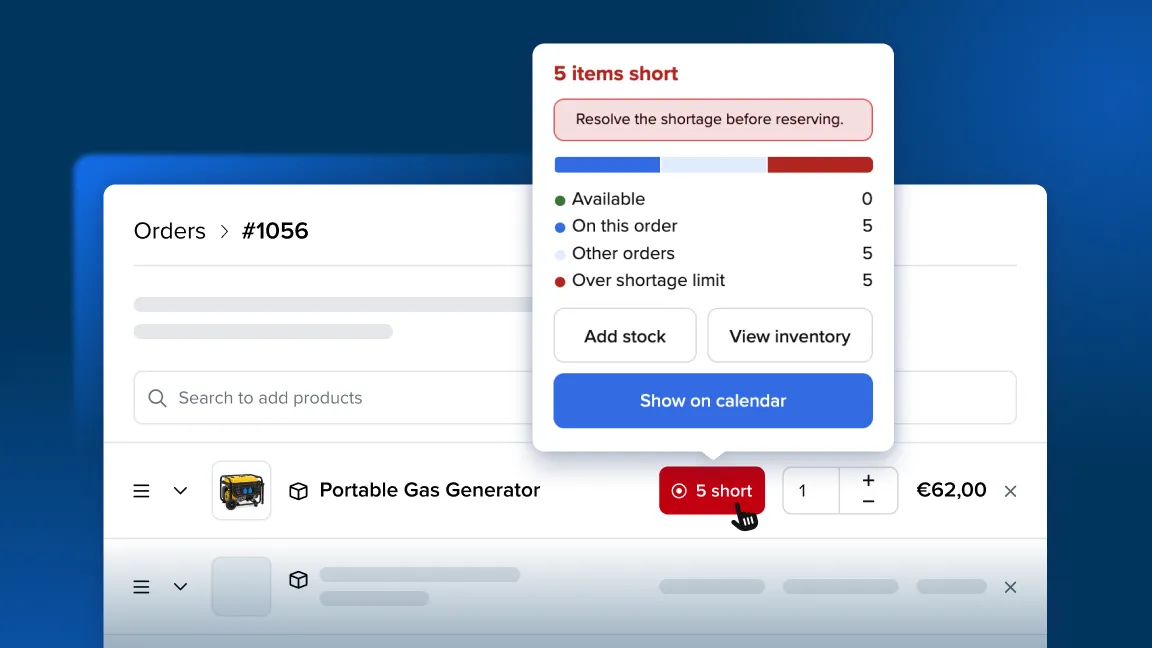
Stock items could not be assigned when there was a mixed order status. We now allow selecting stock items added after an order has been started.
-
Fixed stock items showing as “Late” with no current bookings. This could happen when a bundle that had already been picked up was removed from an order, which is now prevented.
Inventory and pricing
-
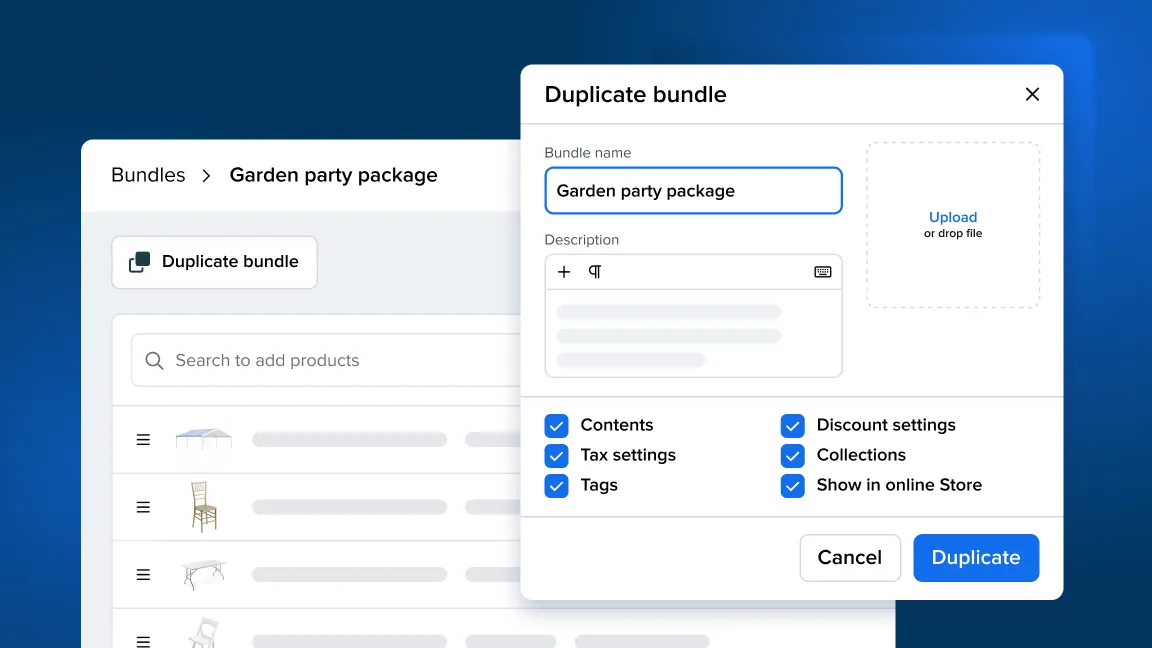
Bundles have been added to the cross-sell feature. This is currently being rolled out for batches of randomly selected users, so it won’t appear for everyone at once.
-
When a search returns no results in the inventory, your product selection is now saved so you can save time searching.
-
A product import that runs into an error is now marked as failed, instead of looking like it’s still running.
-
The comma decimal is now supported in the multiplier and durations fields for pricing structure.
-
Fixed some order lines being charged for a longer period than booked. This mainly affected orders for products that were switched from a pricing structure to simple pricing.
Documents
-
Packing slips now download reliably even when many orders are selected at once.
-
Date custom fields are now formatted properly on document lines.
Online store
-
Address autocomplete is now available to everyone who is subscribed to the Grow and Scale plans.
-
The play icon on video blocks now stays centered on the thumbnail.
Settings
-
The Activity log now records team changes including employee invites, deactivations and reactivations, permission changes, and two-factor resets.
-
Activity logs also records price recalculations.
-
Centered the arrow between the date fields on the Edit coupon page.
Dashboard
- We’ve increased the number of orders shown on the dashboard from 6 to 15 so you can get a better look at orders in a day.
Mobile
Play Store (Android 1.34.0):
-
Email history rebuilt, and it keeps your emails if refreshing fails
-
The app opens on your Dashboard and remembers your last screen
-
Side-by-side lists and details on tablets and wide screens
-
Smoother navigation throughout
-
Security deposit and discount screens refreshed
-
No more accidental sign-outs on a brief connection hiccup
-
“Not picked up” appears only after the pickup time has passed
-
Payment tab no longer hidden behind the navigation bar
App Store (iOS 3.29.0):
-
Email history rebuilt, and it keeps your emails if refreshing fails
-
Smoother navigation throughout
-
Security deposit and discount screens refreshed
-
More reliable barcode scanning
-
No more accidental sign-outs on a brief connection hiccup
-
“Not picked up” appears only after the pickup time has passed
-
Failed list refreshes now retry correctly