October 29, 2026
What's New: Custom email sending address
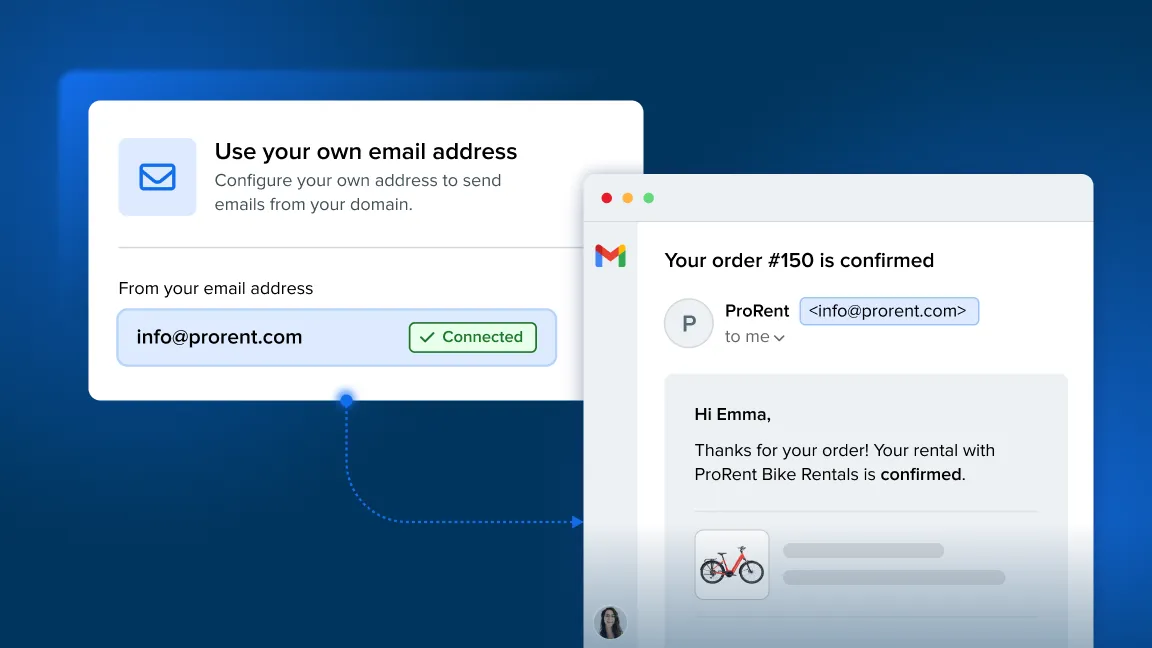
You can now send emails through Booqable using your own business email address. Set up a custom sending address, and customers will see your business email as the sender instead of Booqable’s default address.
This gives your emails a more personal, professional touch while keeping everything in Booqable.
Key highlights
-
Build brand trust with emails sent from your own domain.
-
Look professional with consistent, branded communication.
-
Strengthen brand recognition with every customer interaction.
Where to set up your custom email sending address
Set up your own custom email sending address from the Settings > Emails > Sending address.
For detailed instructions, read our Help Center article or watch the YouTube video to learn more.