September 18, 2026
What’s New: Checkout customization and other updates
You can now customize your checkout background color to better match your brand and create a more consistent experience for your customers.
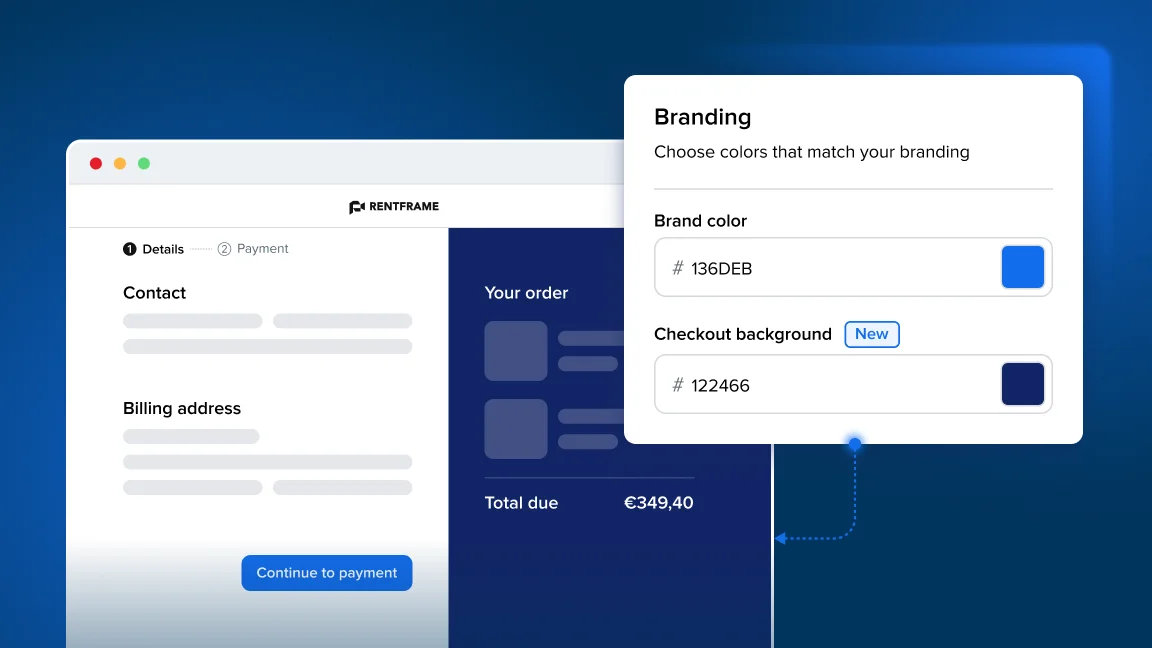
Update it anytime under Online store > Preferences > Branding.
Other fixes and improvements
Online store preferences
- “Learn more” button position has been made more consistent across different sections in the Preferences in Booqable.
Rental period settings
-
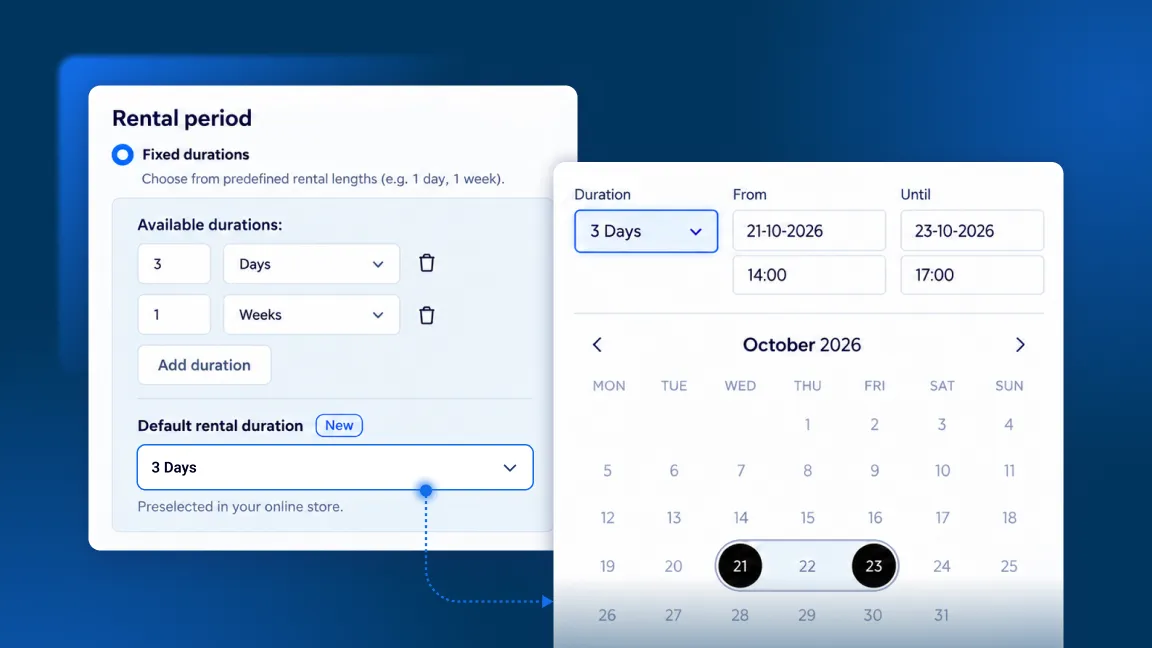
When the away period ends at 23:59, the whole day now correctly appears as unavailable in the booking calendar.
-
When time selection is disabled and default times are within an away period, the day becomes blocked so availability is more accurate.
Dashboard
-
“Book a setup call” button in the setup dashboard has been fixed and can be accessed again.
-
You can choose between two different types of calls from the setup dashboard depending on if you want to “Talk to sale” or “Get setup help” so you can get the information you need.
-
Bo now has an expand to 90% button so you can have a larger view of the Bo chat and still be able to see the sidebar to navigate around your Booqable account.
-
Fixed a bug where Bo could show empty “phantom” messages in a conversation. Conversations now finalise correctly.
Orders
- The delivery rate is removed when the last product is removed from a manual order.
Payments and documents
-
Japan Tap to Pay locations have been fixed so it is now working for Japanese users.
-
Date/Time cutoff in the thank you modal improved for e-signatures so the “AM/PM” is not on a separate line from the time.
-
If you accidentally double clicked the “Finalize” button on invoices, it was possible to generate two invoices with different numbers which would leave a gap in numbering. This is now prevented.
Checkout
- It is now possible for customers to retry a payment if it fails, is cancelled, or expired. The cart becomes editable so they can make changes and click “Try again” to retry the payment.
Calendar
- We’ve made improvements to the calendar, you may need to resubscribe to if you were using iCal.