September 2, 2026
What's New: Two-column layout for the time picker
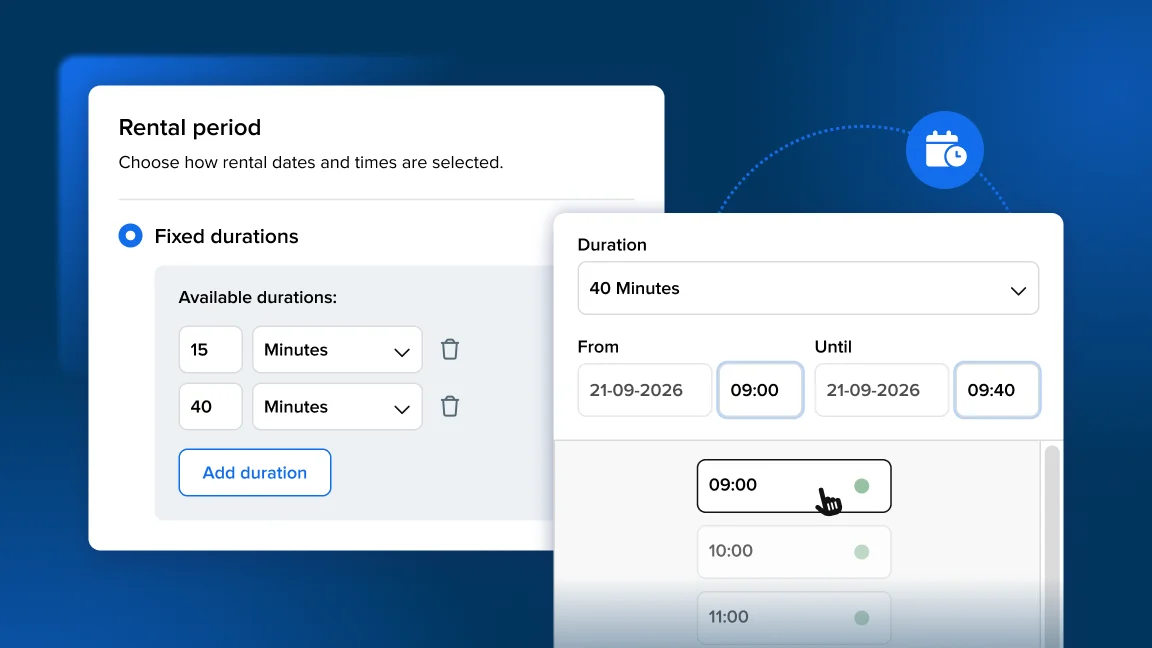
Introducing our redesigned time picker: clearer hour labels, a cleaner two-column layout, and more times visible at a glance.
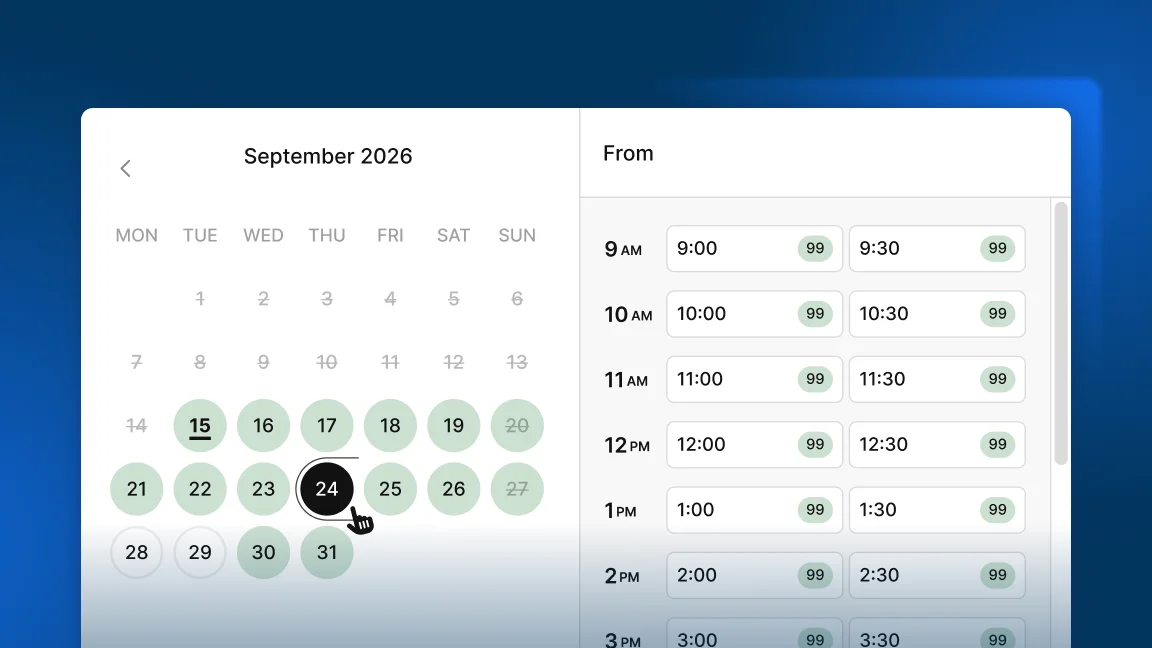
For rental periods using increments under an hour, the new space-saving design makes time selection faster and easier.
Fixes and improvements
Checkout
-
We’ve made many improvements to the overall design of the checkout to make the experience for your customers more smooth.
-
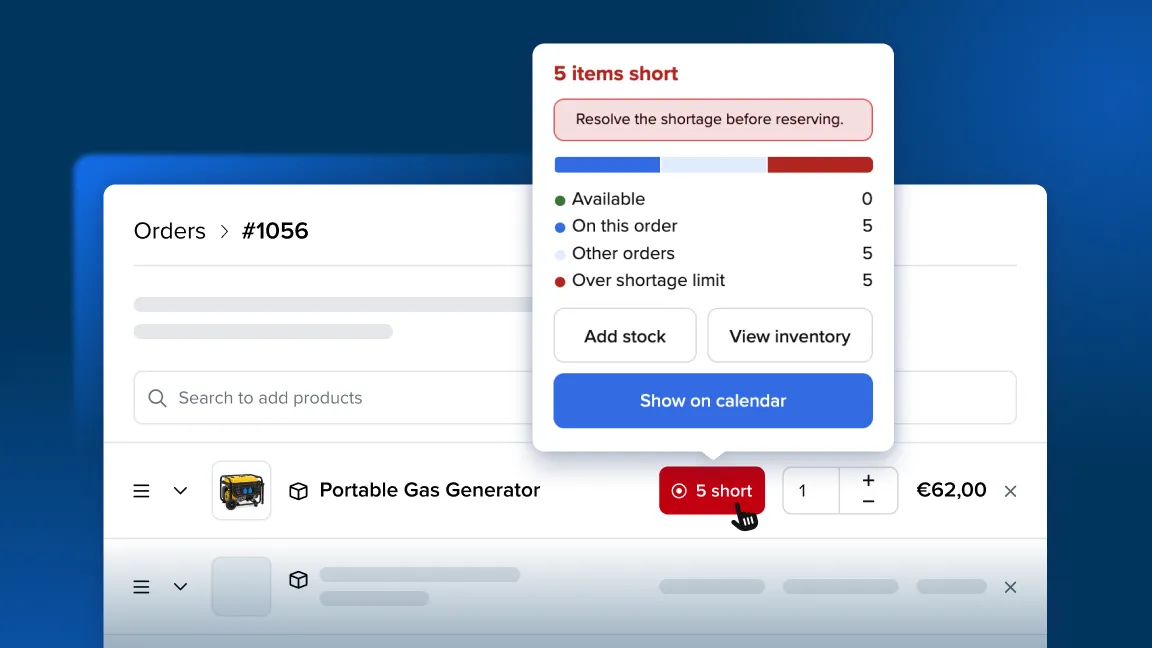
Improved the behavior for when two orders placed at the same time could both book the last available items. When items are no longer available during checkout, the order is now saved as a draft with a tag, so the double booking is prevented and you still have the option to accept the order.
Online store
-
Fixed a rare issue where the cart could crash while loading country information. The cart now loads reliably.
-
When customers update their delivery address in the new period picker, the new address is retained correctly instead of reverting to a previously saved address.
Back office
-
Error messages now use consistent capitalization and clearer wording, so they are easier to read.
-
Activity Logs now show ‘skeleton loading’ while entries are being fetched, so it is clear the list is still loading.
-
Fixed a small visual glitch in the left-hand menu, where the highlight that appears when you hover over a menu item was slightly out of place and did not line up with the item. It now lines up correctly making it more clear what element you are hovering.
Reports and tables
- We tidied up the spacing of number columns in several tables and reports, including the Product performance report, the Coupons report, and the Price column on the orders list. The figures had been sitting too far to the right and looked out of line with their headings, and they now sit neatly under their columns so the data is easier to understand.
Orders
-
The “Archive order” option for reserved orders that contain only custom charges has been restored so these orders can again be archived as expected.
-
In certain cases, refunds could show twice on orders. This was fixed and orders when one refund was processed through Stripe will only show one refund on the order in Booqable.
Emails
-
Emails sent from an order with a large number of contracts now send reliably. However, we still recommended creating a separate order for different orders and contracts instead of reusing the same order. This will ensure that email sending is not slowed down.
-
Customers now receive one “signature received” email for the a signed contract.
Mobile POS
-
Timestamps on notes in the mobile app have improved accuracy.
-
The “No results” overlay in coupon selection now has ‘pull to refresh’ functionality.
-
All client data shows up reliably in customer details on Android.