May 12, 2026
What's New: Customizable columns & other improvements
Adjusting your views in Booqable just got an upgrade with customizable columns!
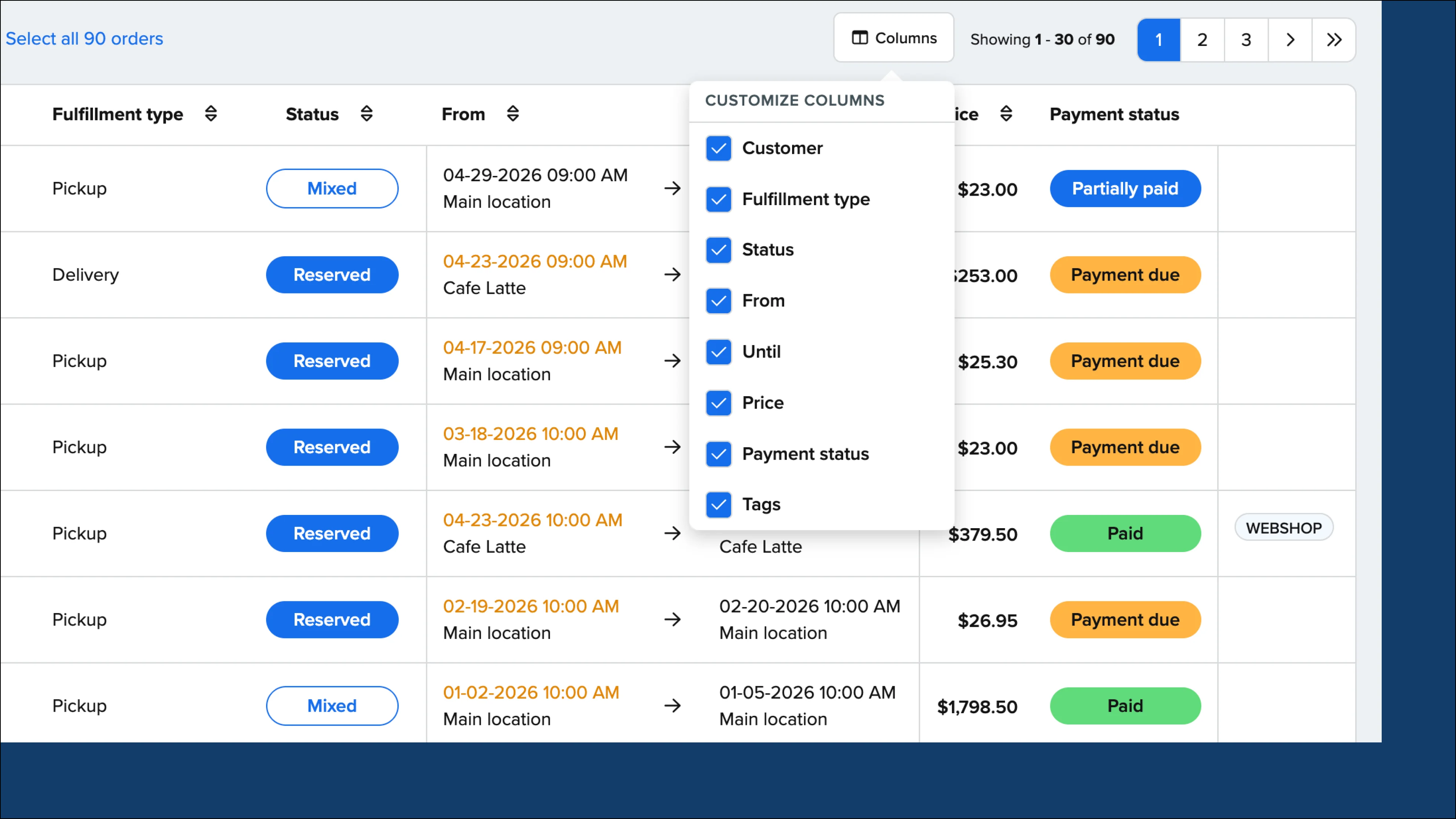
In the “Orders” and “Customers” sections, you can now customize the columns shown in the view by clicking on the Columns button and checking or unchecking the names of the columns you want to be shown. Adjust your view to display the information most important to you, so you can find what you need at a glance.
Other fixes and improvements:
-
The creation date for documents is now displayed on the right sidebar of an order under the document name
-
Email headers can now be left empty and will not be replaced with the default text so headers are no longer a requirement
-
It is now possible to export customers when filtering by “Latest order”
-
Blog posts are now included in sitemap.xml
-
The Product performance report’s “Active” filter now filters out expired temporary stock