June 23, 2026
What's New: Improvements to checkout, deliveries, and more!
This week, we’ve been focused on usability improvements across the platform.
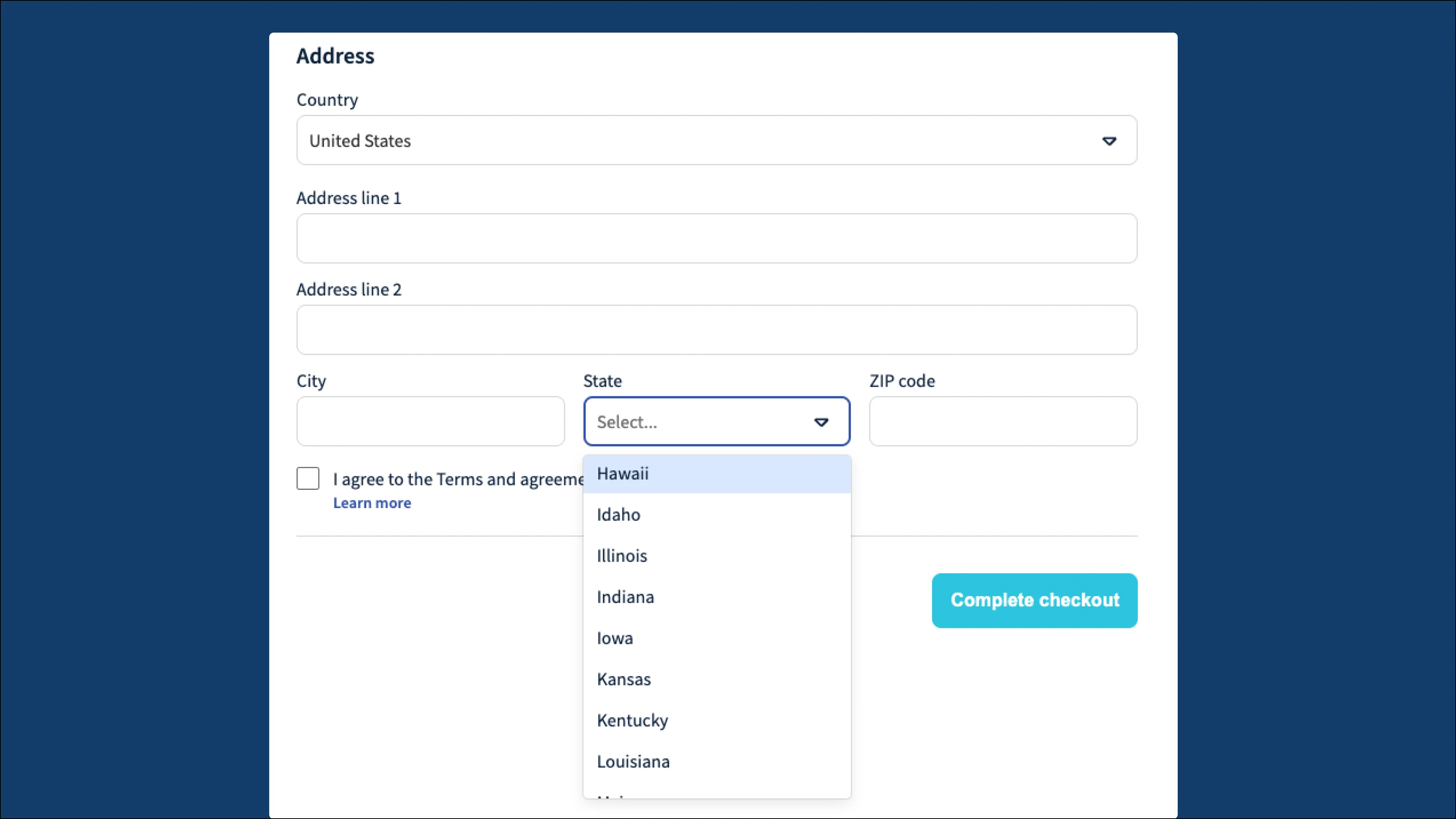
The state/province dropdown is now sorted alphabetically, creating a smoother checkout experience for your customers and helping improve conversion rates!
Fixes and improvements
Online store & checkout
-
Embedded products with variants no longer have a pre-selected product and now show “Select a variant” so customers can choose a variant before adding to cart. This makes it more obvious to customers that they have multiple choices with variations.
-
Resolved a checkout issue for stores with a custom “Delivery address” field, so orders are created correctly after payment.
-
From the Settings > Checkout > “Back to website URL” now accepts web addresses without “https://” and adds it automatically.
Products & inventory
- The Stock Adjustments API now returns proper validation errors instead of a 500 error when quantity, product, or location is missing to give you a better understanding of what is happening.
Deliveries
-
Delivery fees now show after the last product in manual order confirmation emails to match the automatic emails. This means the important information stays at the top and the order of information is consistent across different places in Booqable.
-
When a delivery route can’t be calculated (due to road closures), the back office now warns you with a Google Maps preview so you can be better informed.
-
The back office now shows a pop-up when a delivery rate resets to 0 after an address change so you won’t miss a delivery fee.
App store
- Double-clicking “Grant permissions” during app install could fail the install. The button can no longer be double-clicked so installation will succeed.