June 16, 2026
What's New: Enable CAPTCHA on Customer accounts
In an ongoing effort to enhance security and reduce forms of abuse on the online store, we have added the option to enable CAPTCHA verification for customer account creation.
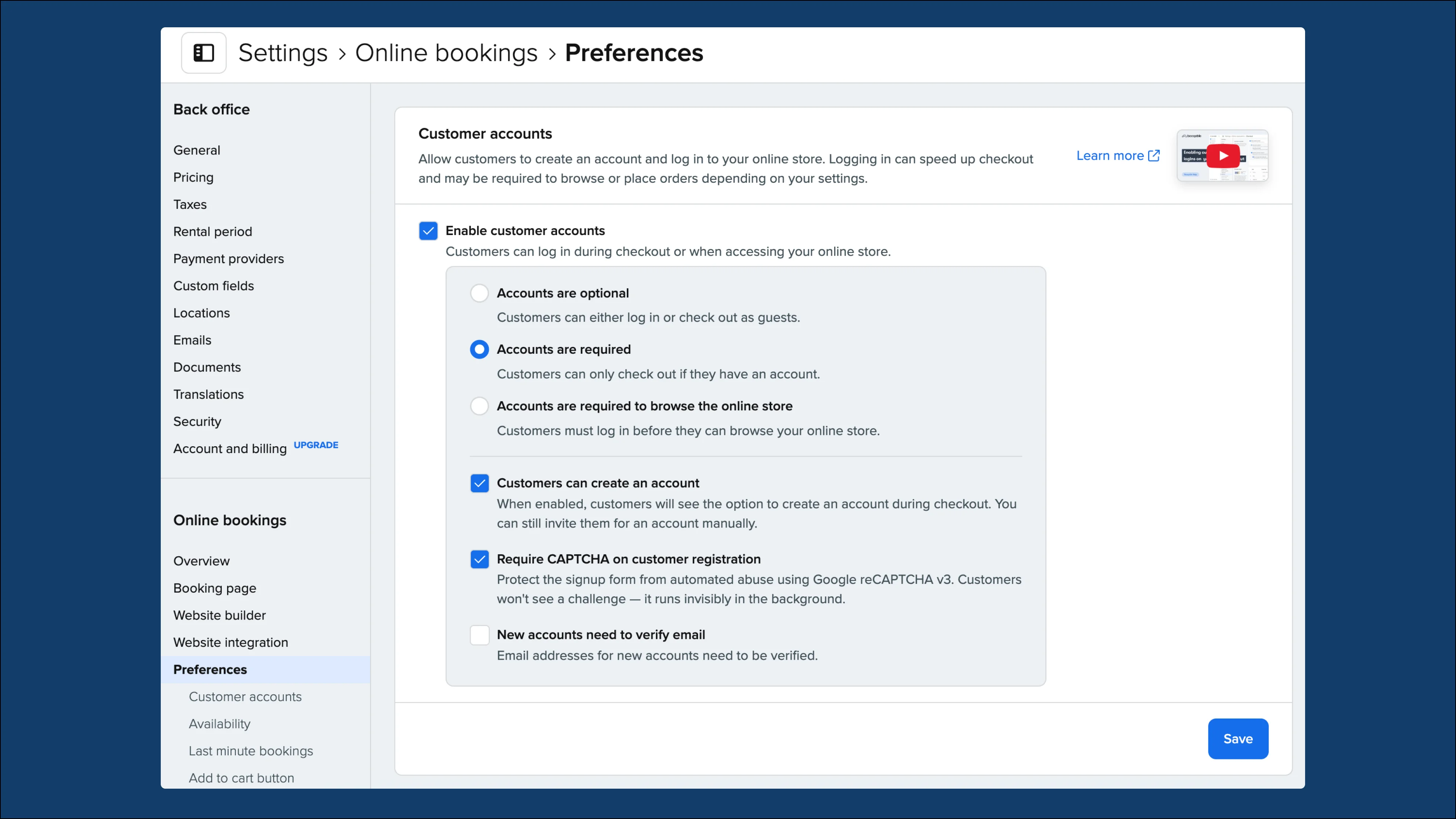
How it works
CAPTCHA verification uses Google reCAPTCHA v3 to protect your online store. It runs invisibly in the background and doesn’t require a puzzle to be solved, but simply detects behavior. By enabling this setting, this will help prevent bot spam, fraudulent account creation, and automated abuse.
How to enable this setting
Before you get started, note that this setting only applies if your store has customer accounts enabled.
If you have them enabled or would like to enable them, then follow these steps to require CAPTCHA for customer account creation:
-
Go to Online store > Preferences > Customer accounts
-
Check the Require CAPTCHA on customer registration option
-
Save your changes.
For more information, check out our Help center article on How to enable customer accounts.