July 1, 2026
What's New: Checkout improvements and more!
NEW Stripe billing address setting
Entering a billing address during Stripe checkout is now optional giving you more control over your checkout flow.
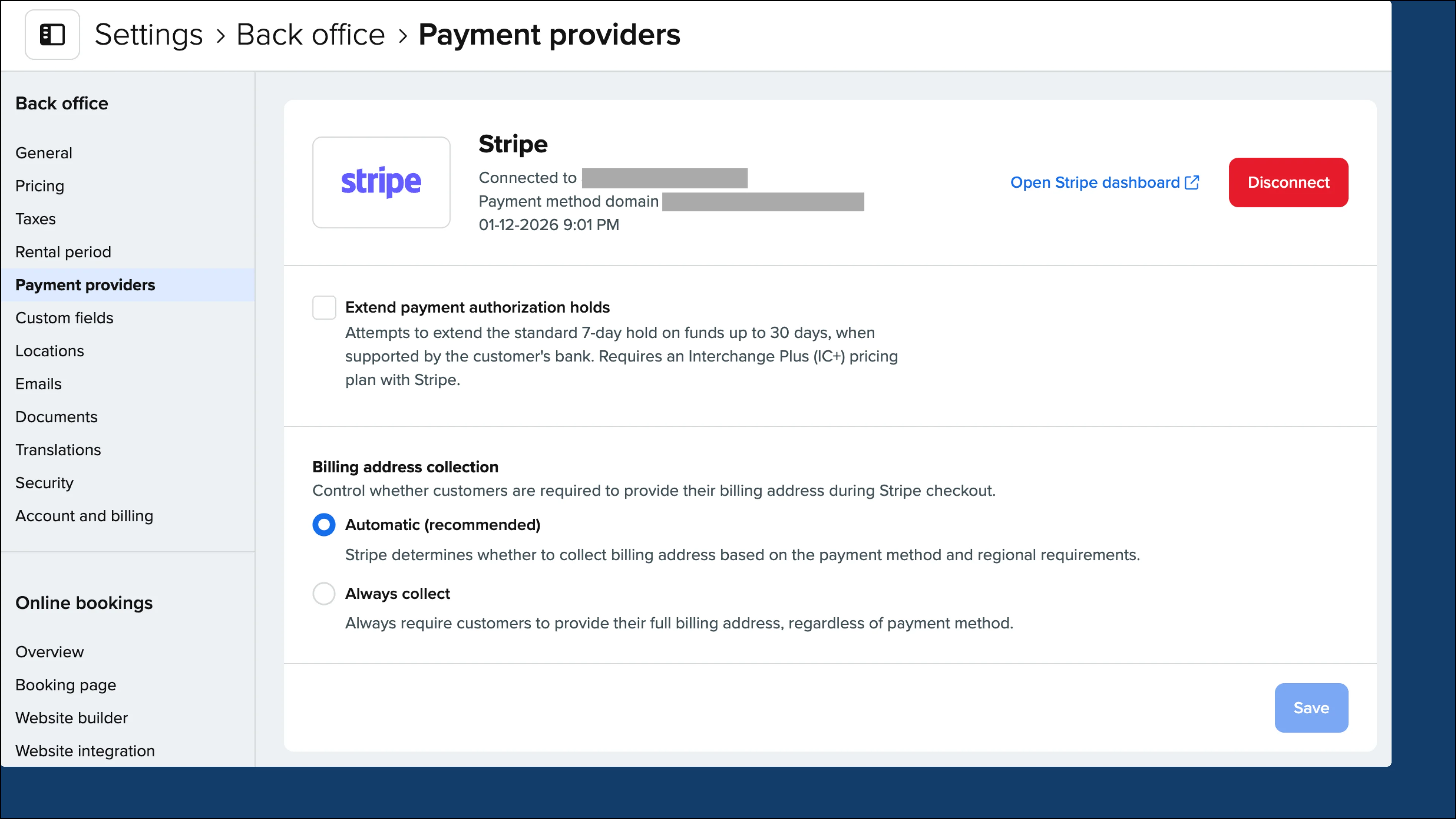
Choose the option that best suits your business from the Settings → Back office → Payment providers under “Billing address collection”:
-
Automatic (default) — Stripe decides whether to collect the billing address based on payment method and regional rules.
-
Always collect — Always requires the customer’s full billing address, regardless of payment method. Recommended to prevent fraud or chargebacks so address/postcode (AVS) verification can run.
Online store & checkout
-
Products with variations inside a bundle on embedded components auto-selected a variant making them look like fixed products. Now, the “Select a variant” prompt shows to make it more clear there are options for the customer.
-
Fixed an issue where order data on the thank-you page was only sometimes available, which could stop purchase tracking (GA4 and custom scripts) from firing. Tracking now works reliably.
-
Checkouts with a very small balance due previously showed a generic “Payment Failed” page, but now shows a clear message explaining the minimum amount needed to take payment.
-
In some cases, credit cards weren’t being saved on orders paid online at checkout due to a duplicate customer being created behind the scenes. This was fixed and card details now save reliably.
-
Cancelling a refund for an overpayment didn’t recalculate “Grand Total Paid,” so an order could wrongly show as fully paid. The outstanding balance now updates correctly.
-
Improved the quantity stepper’s rounded corners so that they match.
Other improvements and fixes
Orders & delivery
-
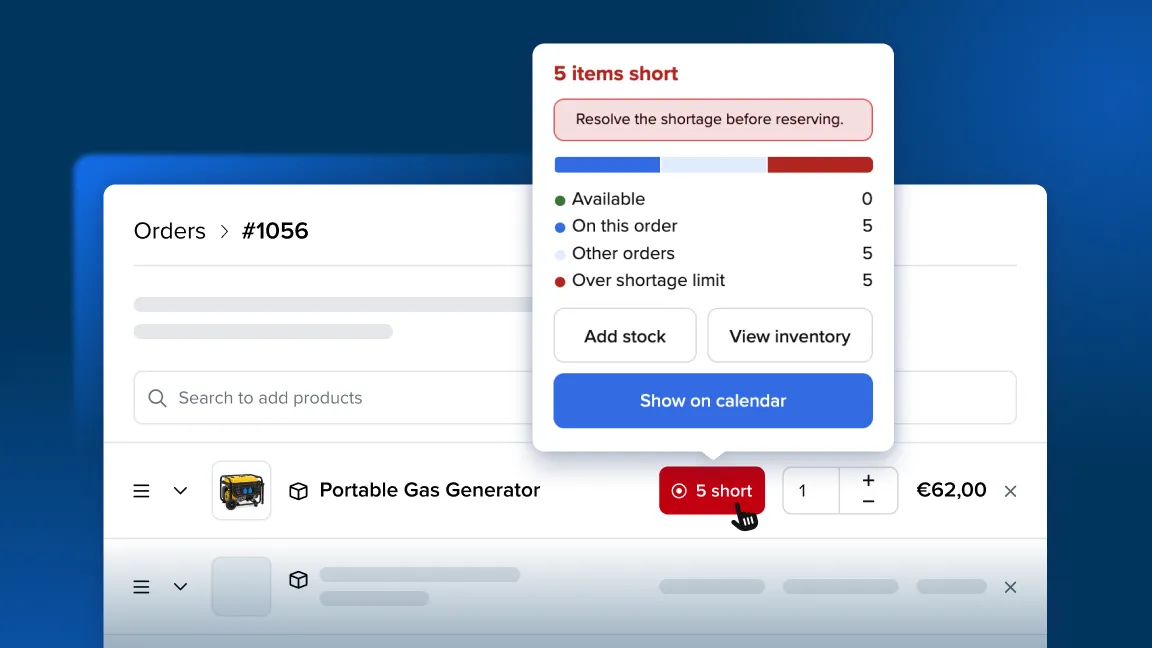
Some orders couldn’t be picked up even though stock appeared to be available caused by expired temporary stock. This issue is now fixed.
-
Delivery rate now auto-populates on manual orders once you add a customer with a delivery address and select delivery.
Payments
- Fixed an issue where the wrong business name could show on the checkout page for connected payment apps. Company details now stay in sync (reported by a Square user).
Emails
- Removed the “contact us” line from the footer of contact-form emails, so customers don’t accidentally reply into the wrong conversation.
Account & Billing
- The API usage component is now visible in Settings → Account & billing for all accounts, so customers can see their API usage.