August 12, 2026
What's New: Update to order archiving and more
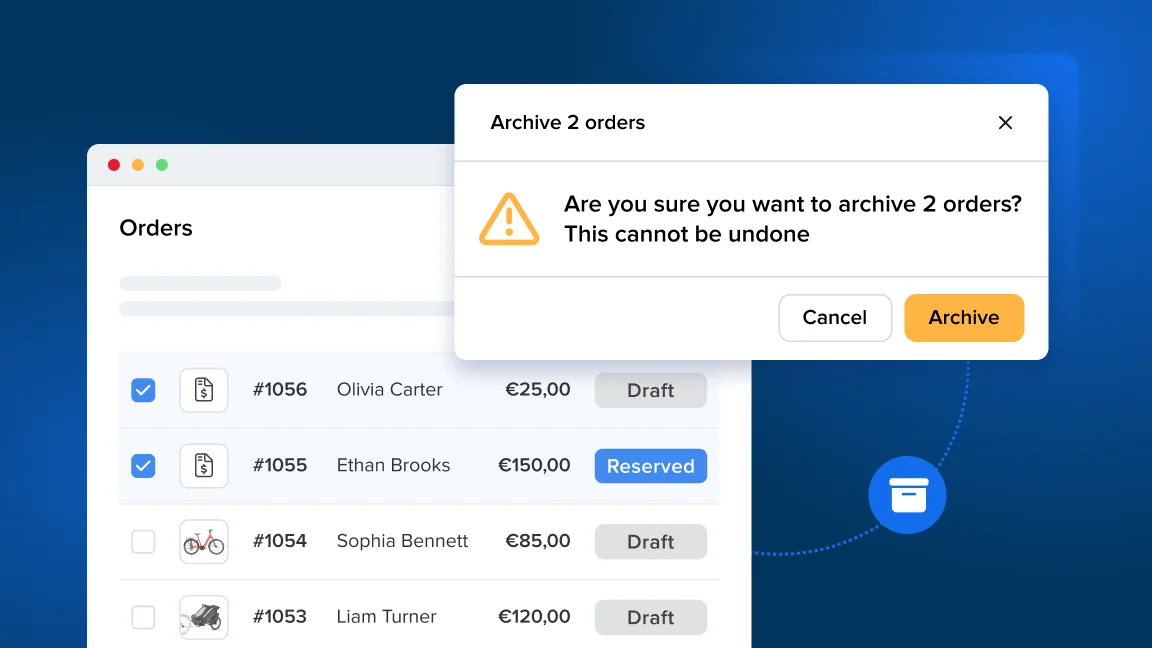
Order management has been improved with an update to order archiving. Orders that contain only custom charge lines (without rental, sales or service items) can now be archived, individually and in bulk.
Other fixes and improvements
NEW Period picker
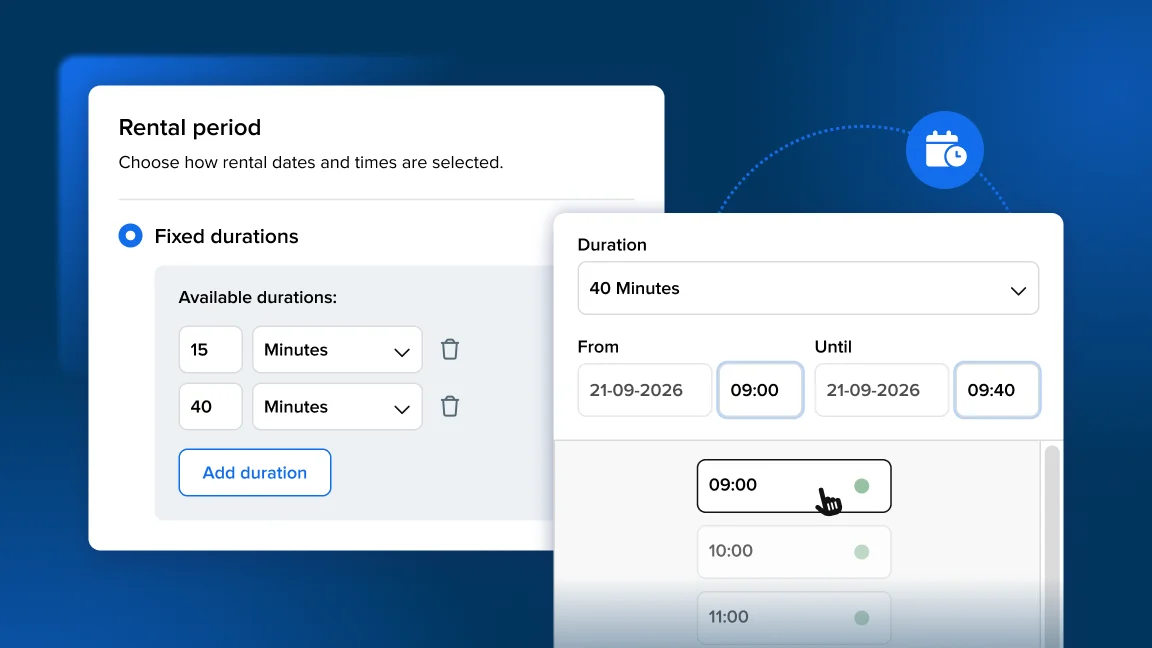
A new and improved redesigned period picker is now available in Booqable. Go to Settings > Rental period > Period picker if you would like to enable it to try it out!
Updates from last week:
-
Fixed rental durations were being re-sorted alphabetically (e.g. “10 Days” showing before “1 Week”); they now follow the order you’ve configured.
-
The last-minute booking restriction is now enforced on the product availability calendar too, so your customers can’t pick a slot inside the blocked window from the calendar.
-
The Delivery option now shows straight away (previously it only appeared after clicking Pickup first).
-
The delivery address entered in the picker now carries through to checkout so it doesn’t need to be re-entered at checkout.
Payments
- Small text updates on the payment UI: “New Payment” is now “New payment”, and “creditcard” now reads “credit card”.
Orders & inventory
-
You can no longer create a new quote or contract on a canceled or archived order to comply with industry standards.
-
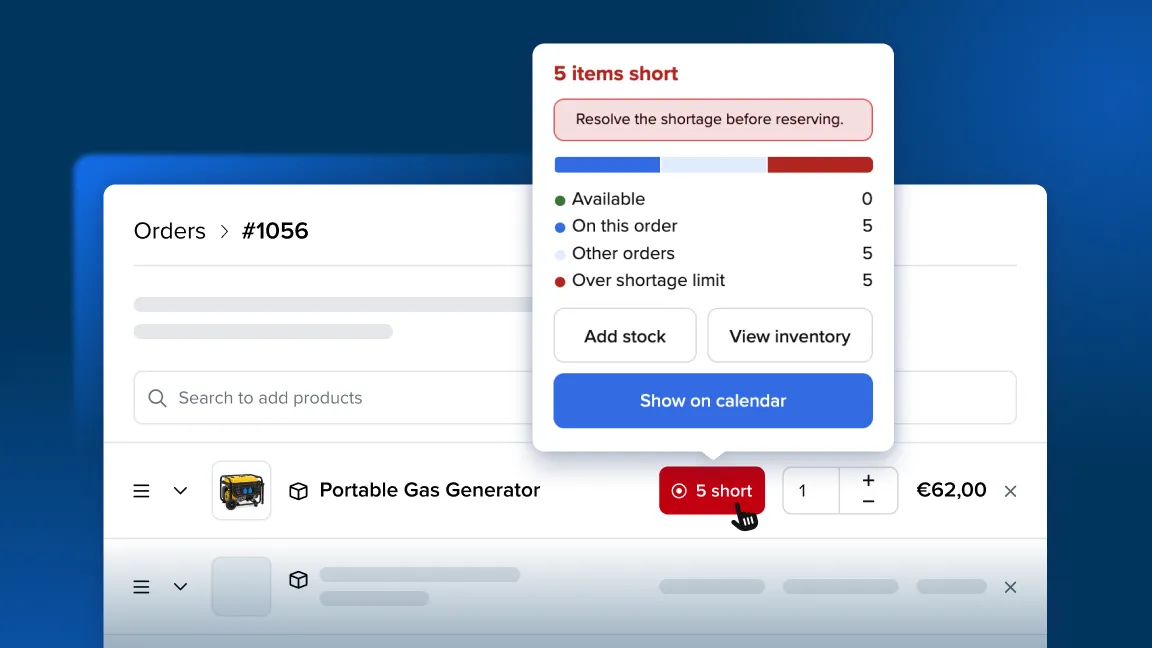
Tidied up the “Add stock” form layout with consistent field widths and a clean two-column arrangement that uses the full width.
Online store
- Online stores now load a little faster — we slimmed down the set of icons the storefront has to load, so store pages are lighter.