April 16, 2026
What's New: Blog feature added to the website builder!
We’re happy to introduce our new Blog feature to the Rental Website Builder!
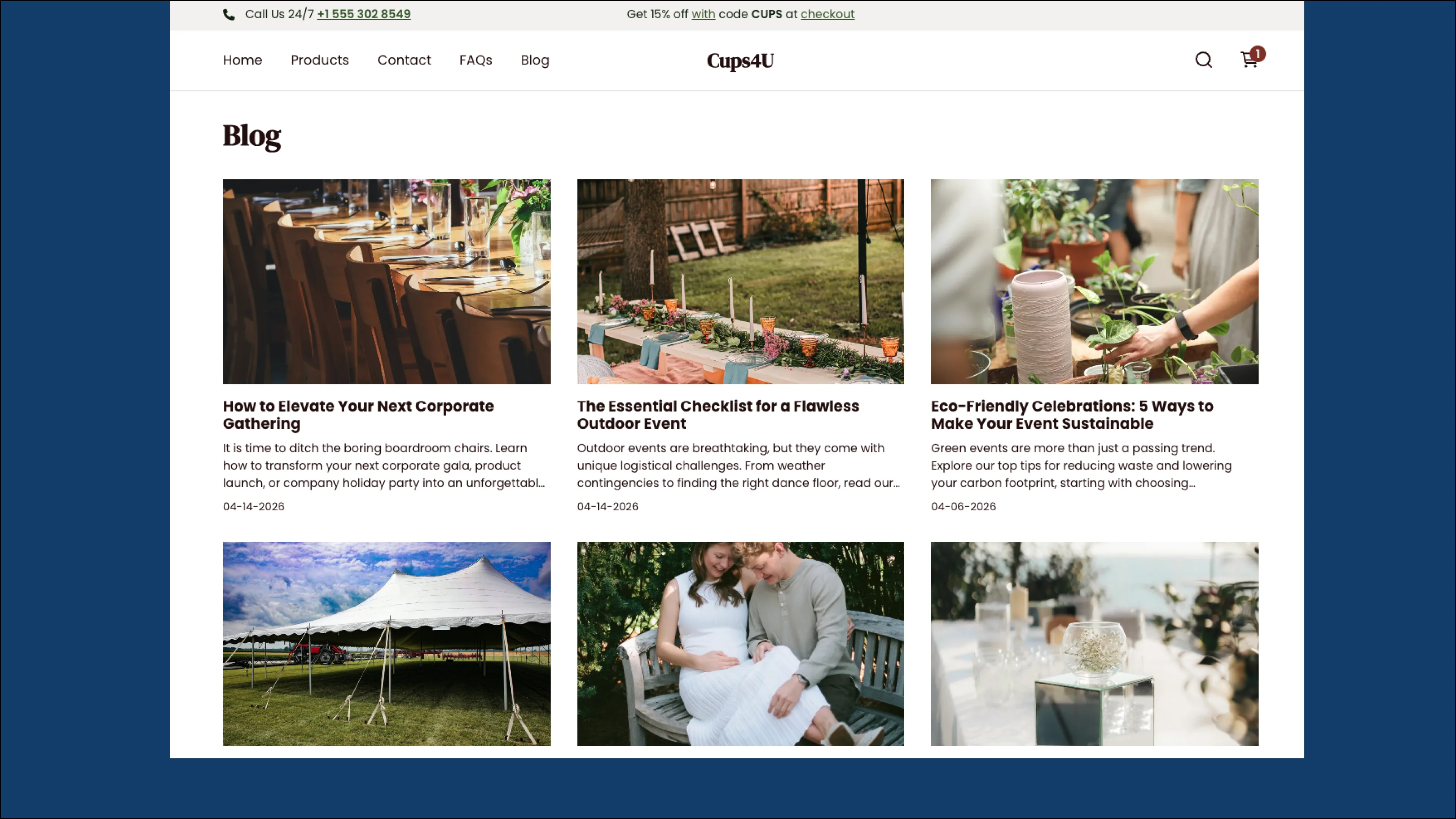
Looking for ways to improve SEO and your rental website’s discoverability?
Creating blog posts helps by increasing overall content volume, naturally incorporating relevant keywords, and establishing your credibility—making it more likely to be recognized and ranked by search engines.
Key features:
-
Schedule posts so you can stay ahead, consistent, and always have content ready.
-
Use a premade template to start posting right away!
-
Customize the design with sections in the website builder.
How to create a blog
Blogs can be created using the website builder so the Rental website builder add-on is required to access this new feature. Go to Settings > Account and billing in your Booqable account if you are interested in purchasing the add-on.
Publishing a blog post:
If you already have the add-on or purchased it, then you can start by creating blog posts:
-
Go to Online store > Website builder > Blog posts
-
Click Add blog post
-
Fill in your content
-
Make sure to Save draft, Publish, or Schedule your content so you don’t lose any of your work.
Linking your blog on your online store
To link the blog page on your website, add it to your navigation bar or a menu:
-
Go to Online store > Website builder > Menus
-
Select the menu where you would like to add the Blog
-
Click Add menu item
-
Under Link, select Blog from the dropdown menu
-
Select Blog index.
For more detailed information on setting up and customizing your blog, read our Help Center article: How to add a blog to your Booqable website.