February 17, 2026
What’s new: Activity Logs are now available!
Activity Logs are officially launched in Booqable as part of the Scale plan and allow access to a history of changes across your Booqable account.
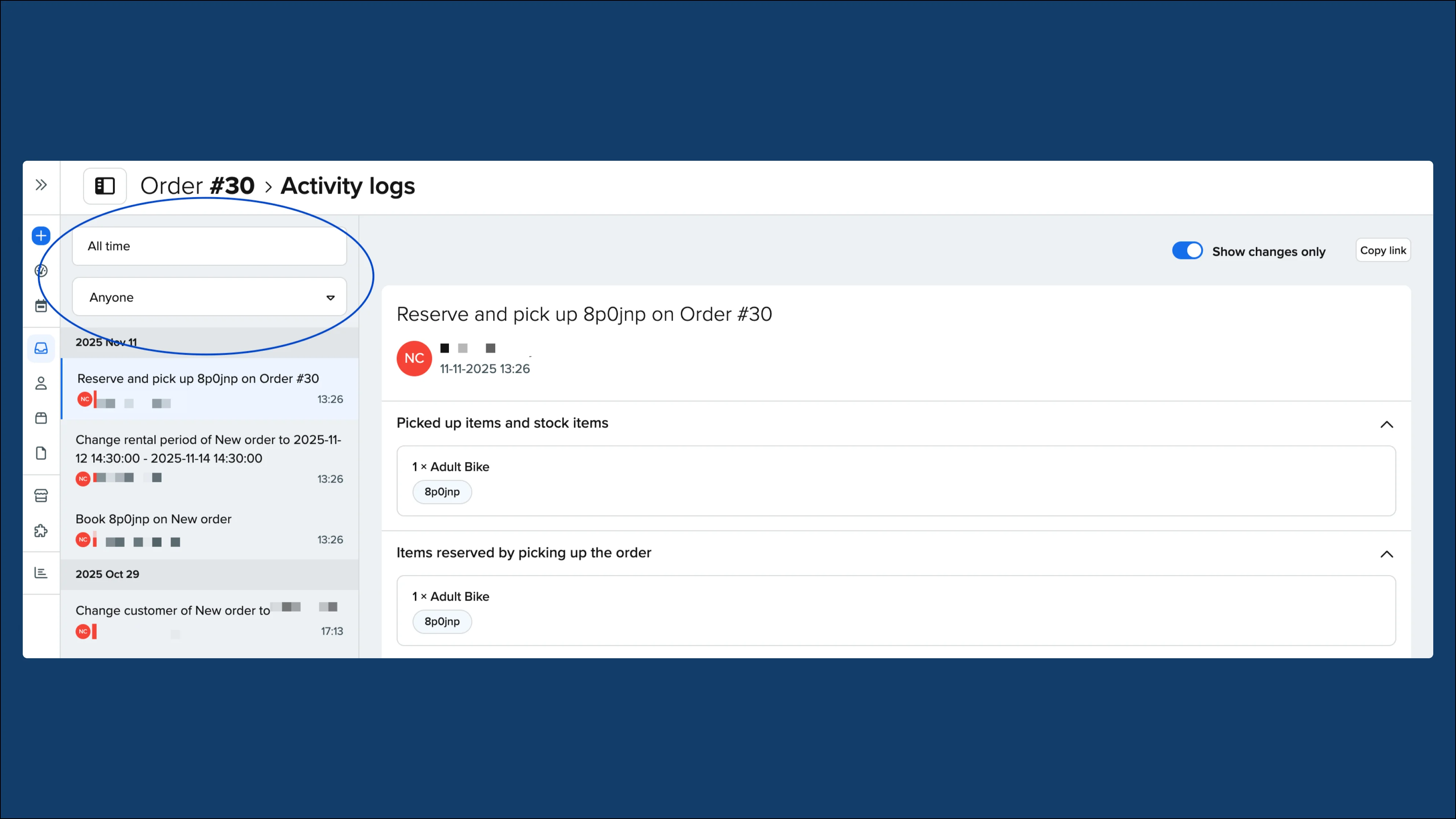
Track changes to your inventory, customer profiles, and orders to stay informed and maintain full visibility into activity within your Booqable account. See what changes are made, who did it, and when it happened.
Key features:
-
Activity logs are read-only so you can be certain they are reliable and have not been modified
-
They are automatically generated so there are always records available
-
Filter by date and employee to refine your searches and find the information you’re looking for quickly
-
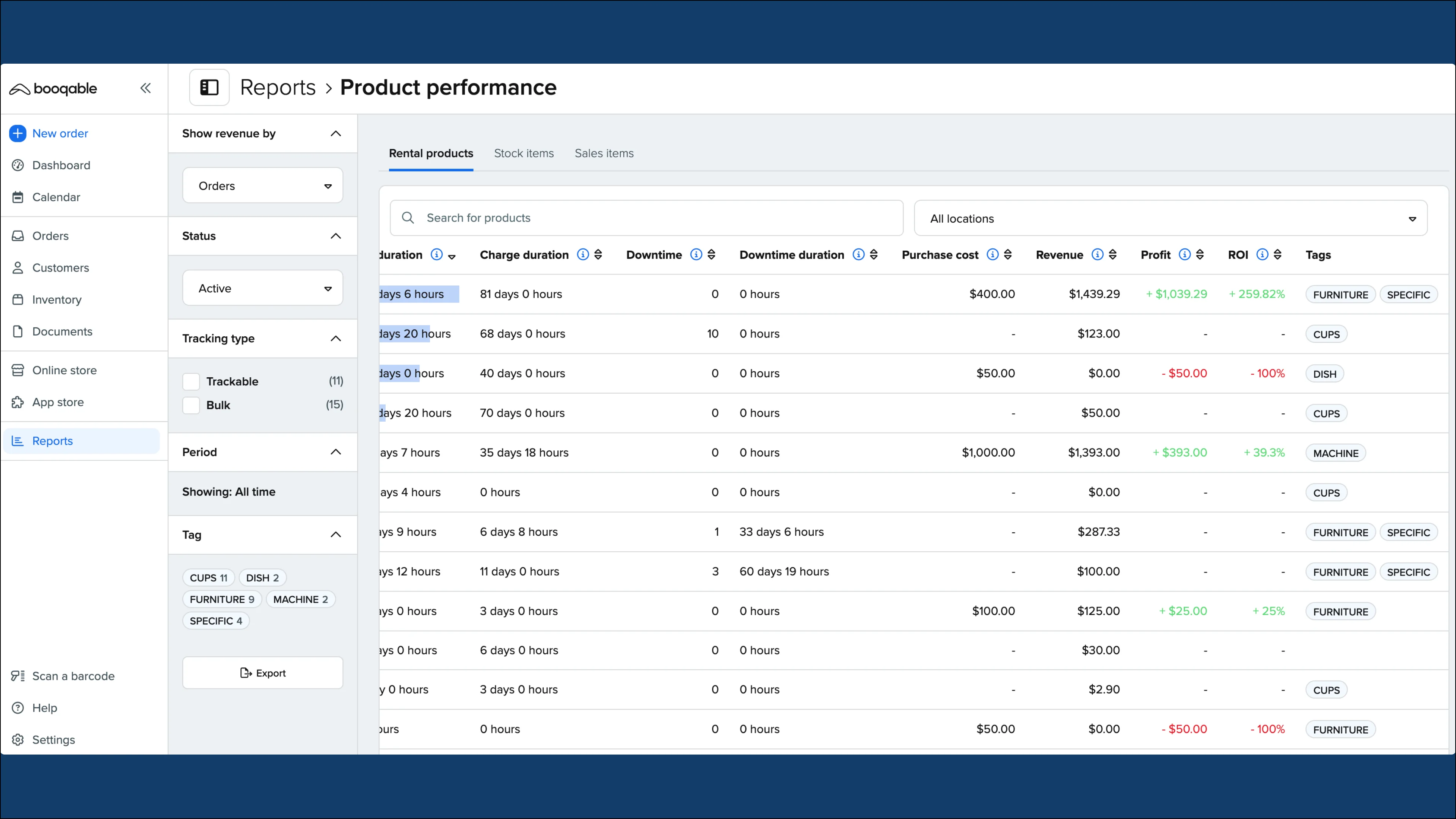
Access a global activity log from the Reports page which will show all actions across your entire account in one combined timeline.
How to access Activity Logs
Activity Logs are available as part of the Scale plan. To ensure that you are subscribed to the latest pricing plan:
-
Check Settings > Account and billing > Subscription.
-
If you’re not currently subscribed to the correct plan, click on Change plan and select the Scale plan.
Note: It is not necessary to upgrade your plan unless you would like to access activity logs and other features.
To use activity logs:
-
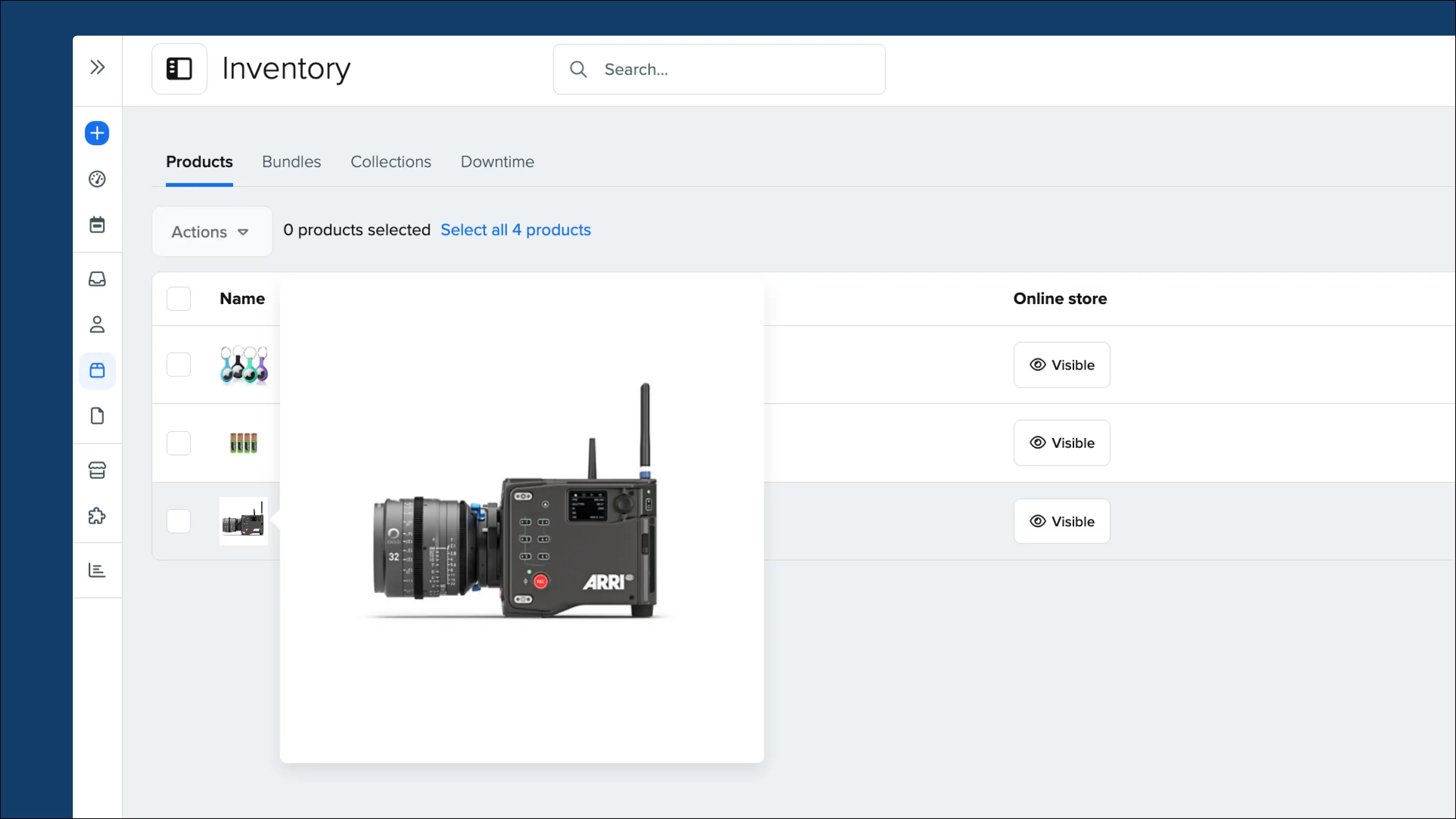
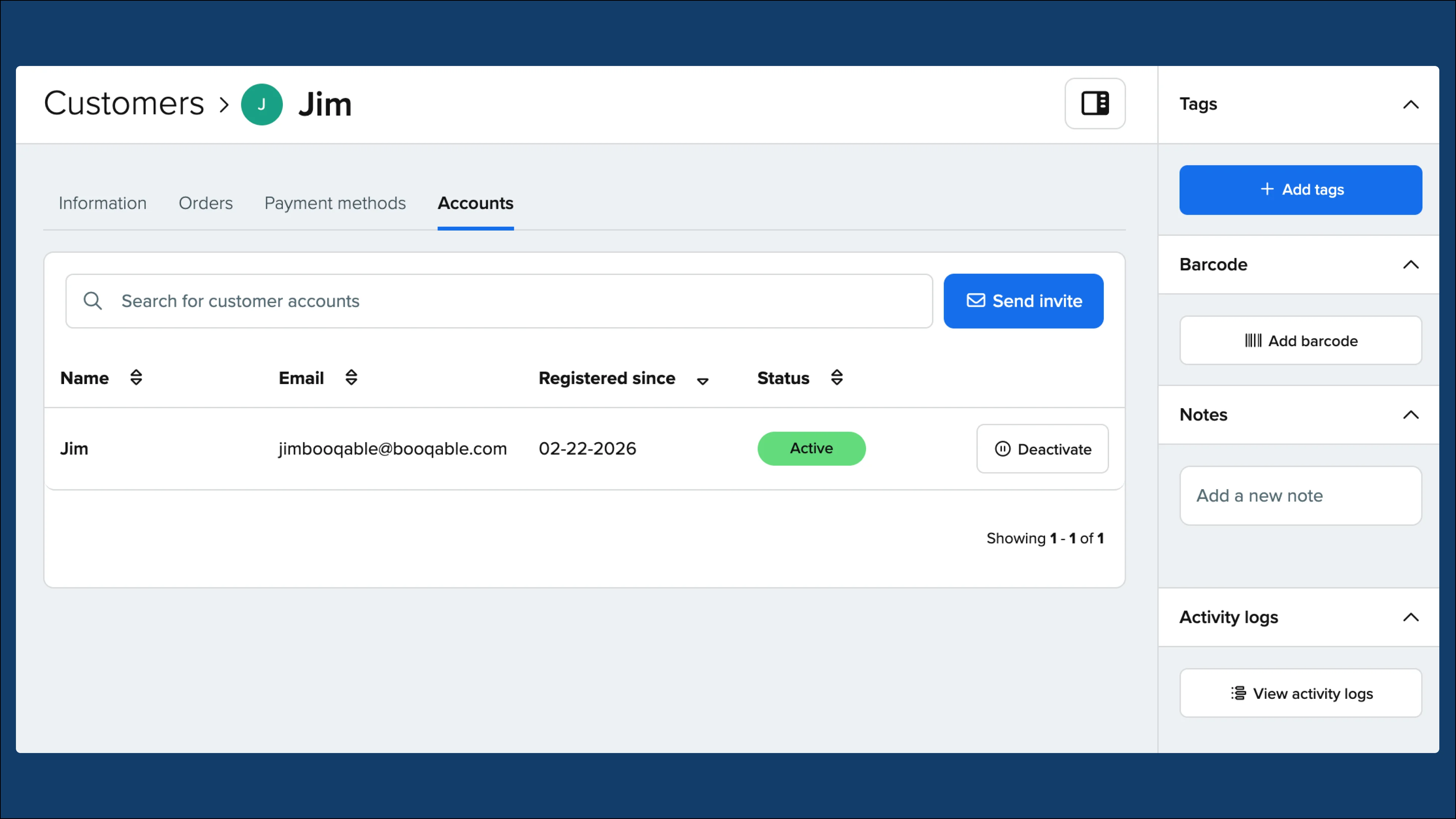
Navigate to your Inventory, Customers, or Orders pages.
-
Access either a product, customer profile, or specific order.
-
Click the View activity logs button in the bottom right corner.
-
To access the global view, simply navigate to the Reports page and click the View activity logs button in the bottom right corner for an overview of all logged actions.