April 7, 2026
What's New: Customer reports
This week, we’re introducing Customer reports to the Reports section in Booqable!
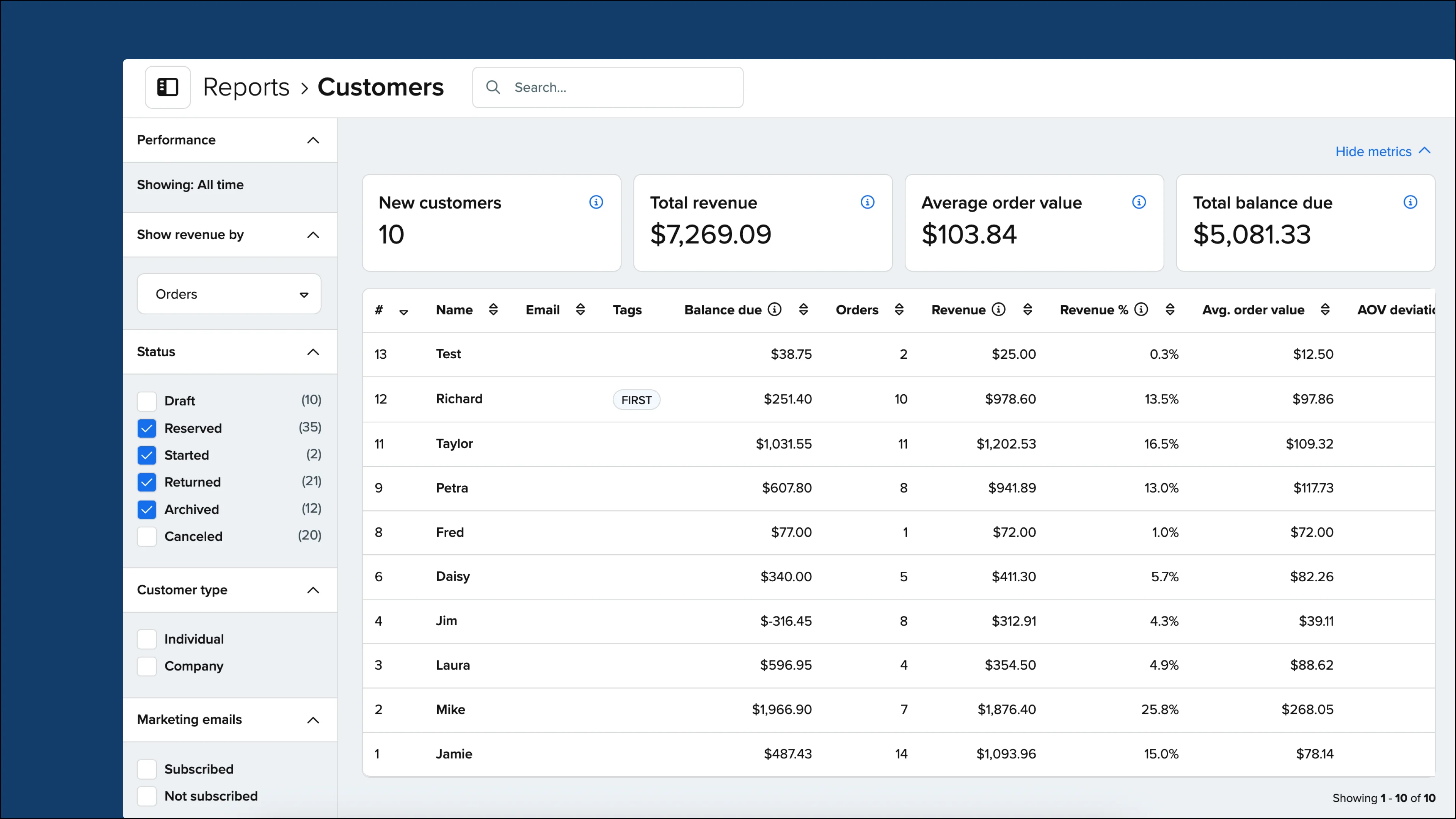
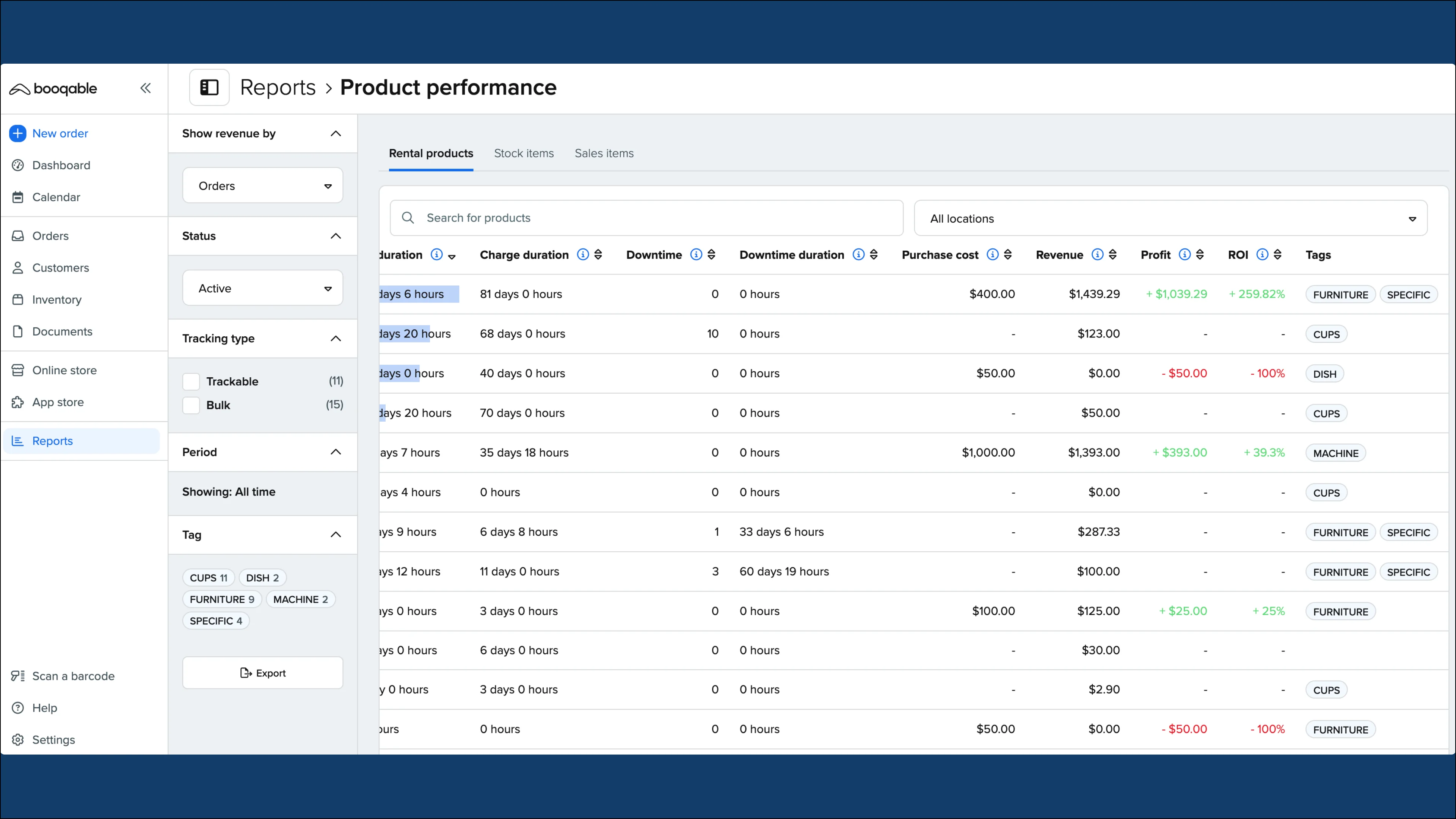
Customer reports provide a high-level view of how value is distributed across customers, making it easier to spot trends and identify opportunities at a glance.
This new report includes information on:
-
Revenue
-
Number of orders
-
Balance due
-
Average order value (AOV)
-
AOV deviation
Key features:
-
Find out which customers drive the most value
-
Identify opportunities for upsell
-
Stay ahead of cash flow risk with balance visibility
-
See trends and outliers in order value
How to access customer reports
Customer report insights are available in the Grow plan or above. If you’re not sure From Settings > Account and billing > Subscription, you will see the details of your current plan. If you need to upgrade, click the Change button to choose your new plan and any add-ons.
Note that it is only necessary to upgrade if you would like access to the customer reports or other features detailed in the breakdowns.
Once you’ve confirmed that you have access to this feature, follow these steps:
-
Go to Reports
-
Scroll to Customer reports and click the Run report button
-
Choose filters from the left sidebar to customize your view based on the information you need
-
If you would like to download this information in a spreadsheet as a CSV file, click the Export button at the bottom of the left sidebar
-
Read our Help Center article for best practices and to understand the insights in the report: How to generate customer reports