

Add a rental section to your Wix website
-
Quick linking. Create your rental page and link from Wix.
-
24/7 bookings. Let customers book and pay instantly online.
-
Live availability. Automatically prevent double bookings.
- Free 14-day trial
- No credit card required
Trusted by 8,000+ rental businesses worldwide
















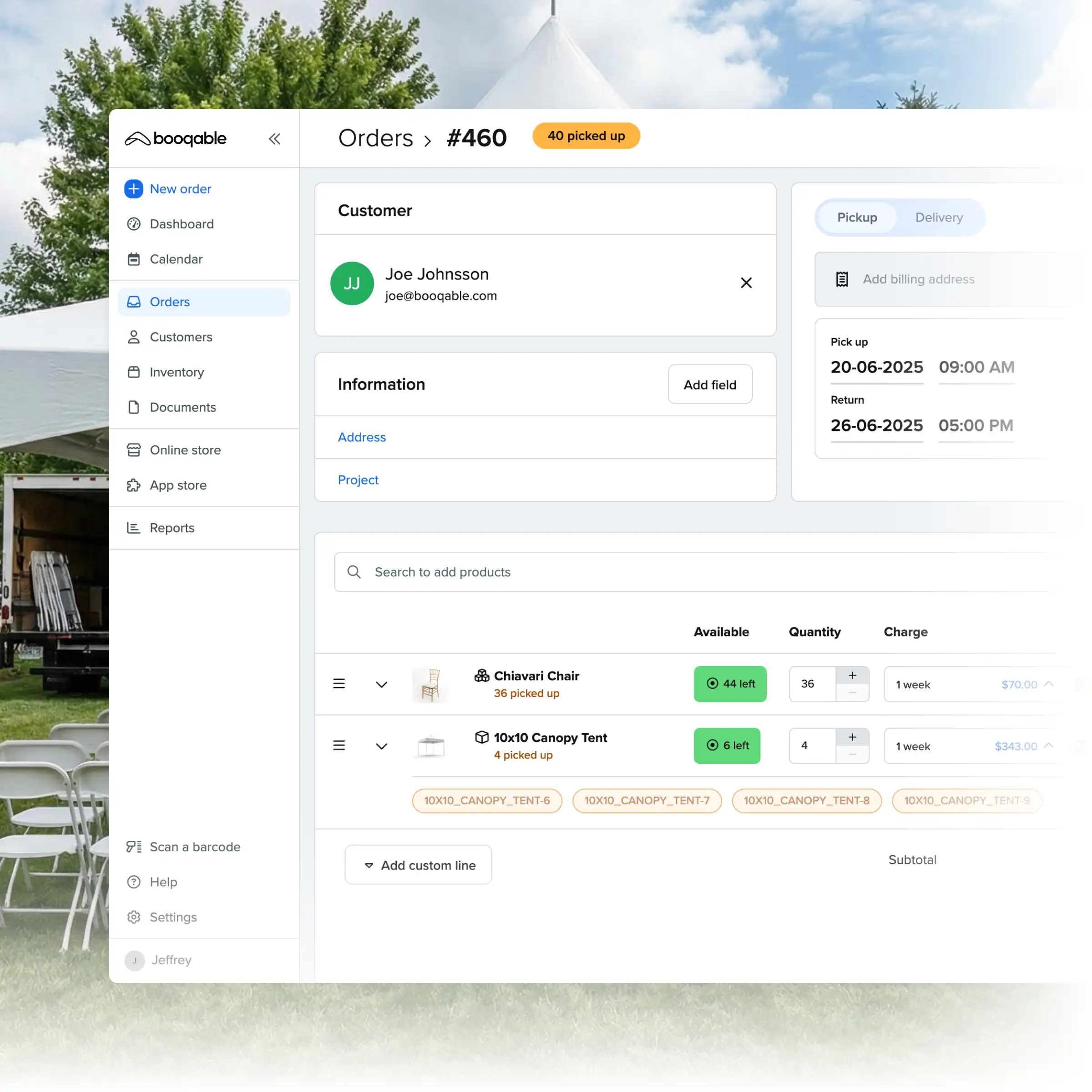
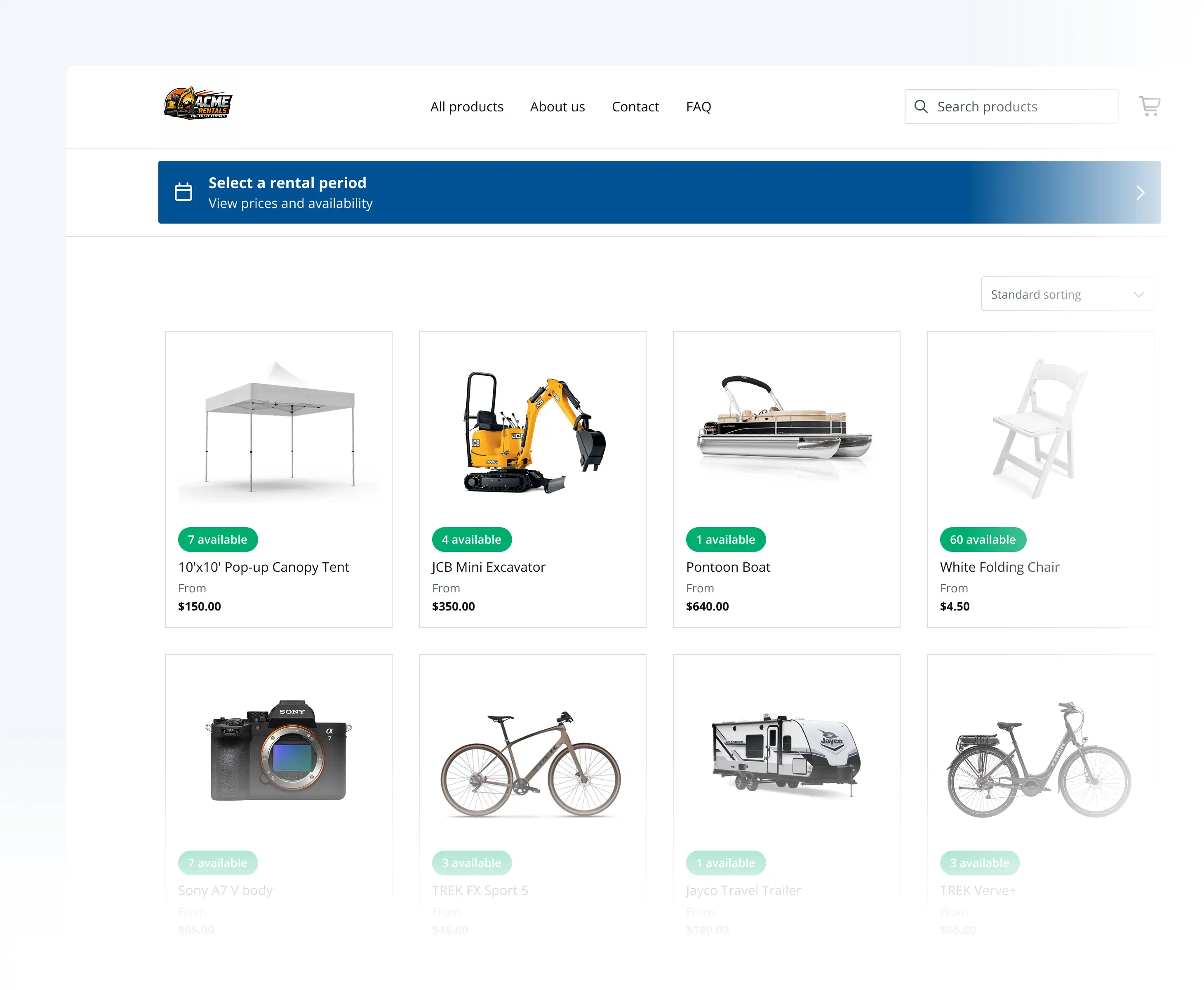
A lightweight, Wix-ready rental storefront
Keep the Wix design you love and add the rental power you need. Connect your site to a dedicated rental page that handles online bookings and availability.
Start renting on Wix in 3 simple steps
Build your catalog
Add your inventory to Booqable and set your rules for pricing, rental periods, and real-time product availability.
Add a “Rentals” section
Add a “Rentals” or “Book Now” button to your Wix menu and link it to your Booqable booking page for a seamless experience.
Get your first bookings
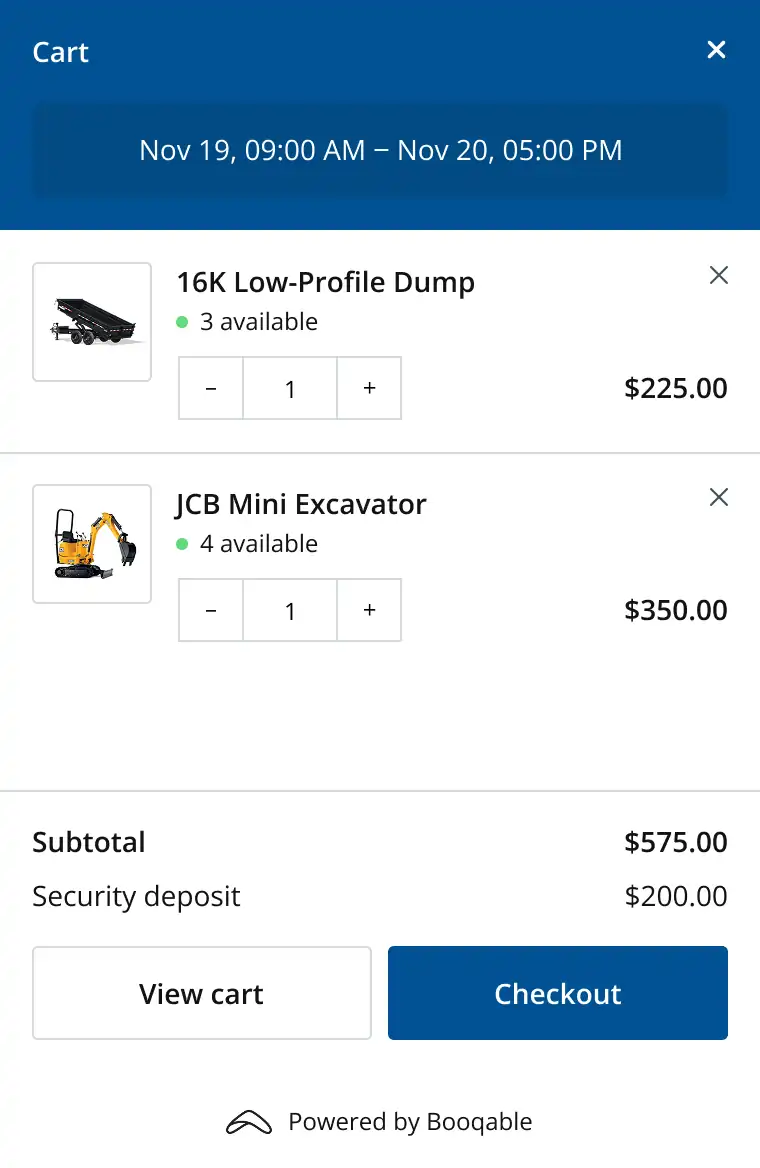
Let customers book 24/7 and use the Booqable dashboard to manage bookings, generate documents, and manage stock.
WIX RENTAL FEATURES
A complete rental storefront, right out of the box
Everything you need to rent out equipment on Wix.
Professional Design
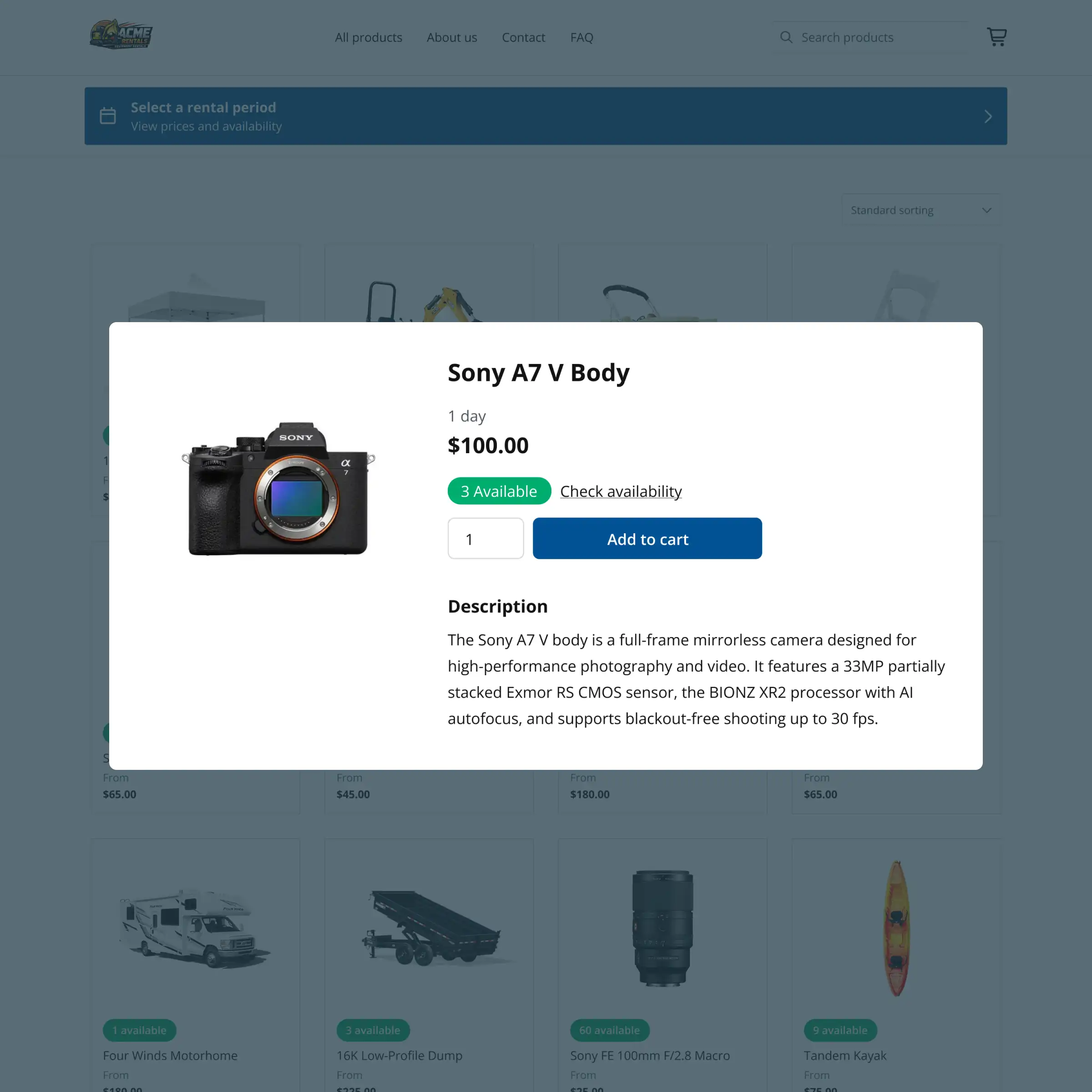
A dedicated rental page that showcases your inventory and matches your style.
Mobile-Optimized
Responsive design that looks perfect on all devices and screen sizes.
Online Booking
A smooth rental experience that’s connected to your Booqable back-office.
Real-Time Updates
Instant updates when you change descriptions, pricing, and stock levels.
Rental Checkout
Custom fields and layout options to match your unique rental operation.
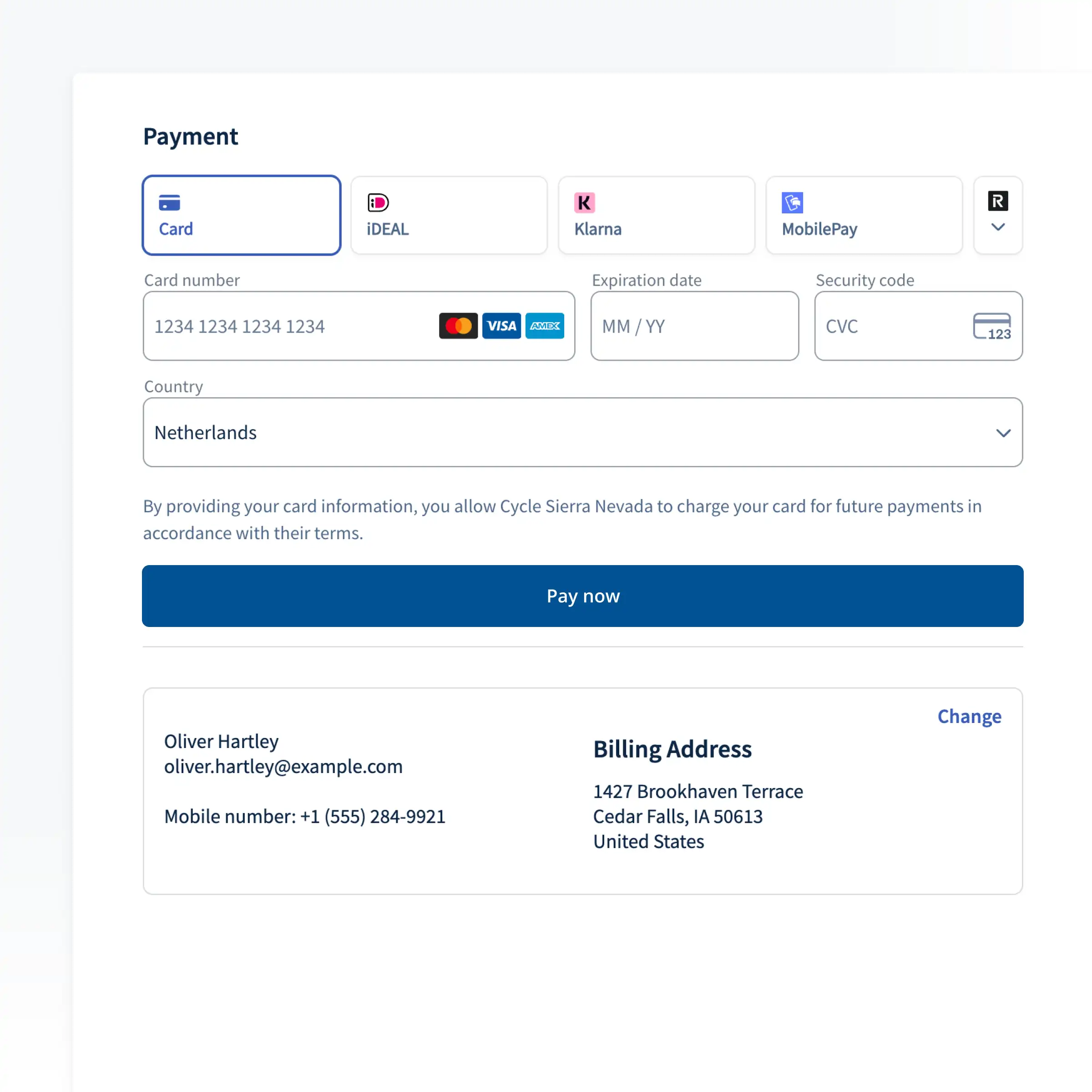
Online Payments
Payment integrations with options for down payments and “Pay Later”.
Try Booqable for free
Get full access for 14 days and see how easy managing rentals can be.