
Add a rental section to your Lovable website
-
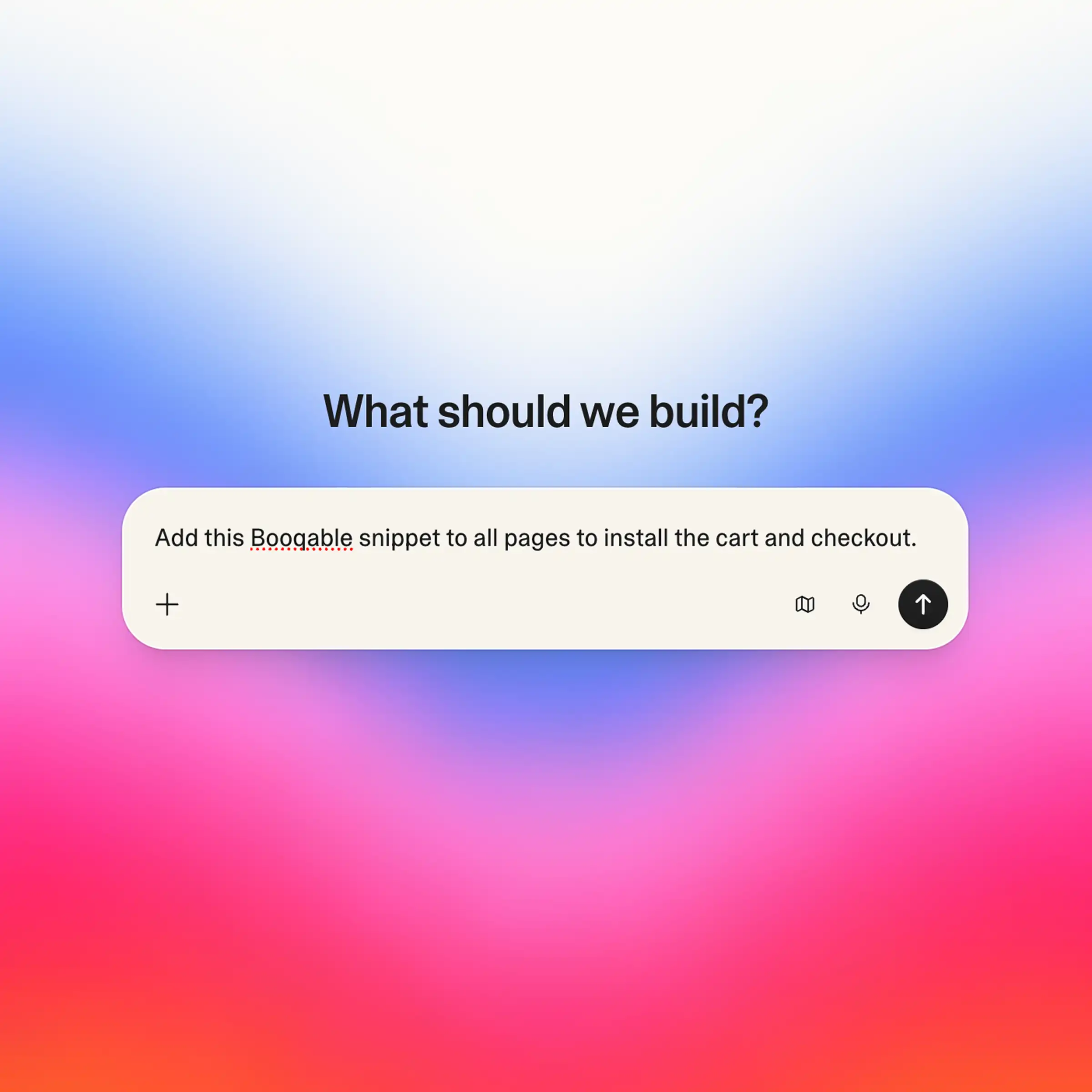
Quick setup. Just paste the snippet into Lovable’s chat.
-
Rental functionality. “Book Now” buttons, cart, and checkout.
-
Live availability. Connected to your Booqable inventory.
- Free 14-day trial
- No credit card required
Trusted by 8,500+ rental businesses worldwide
















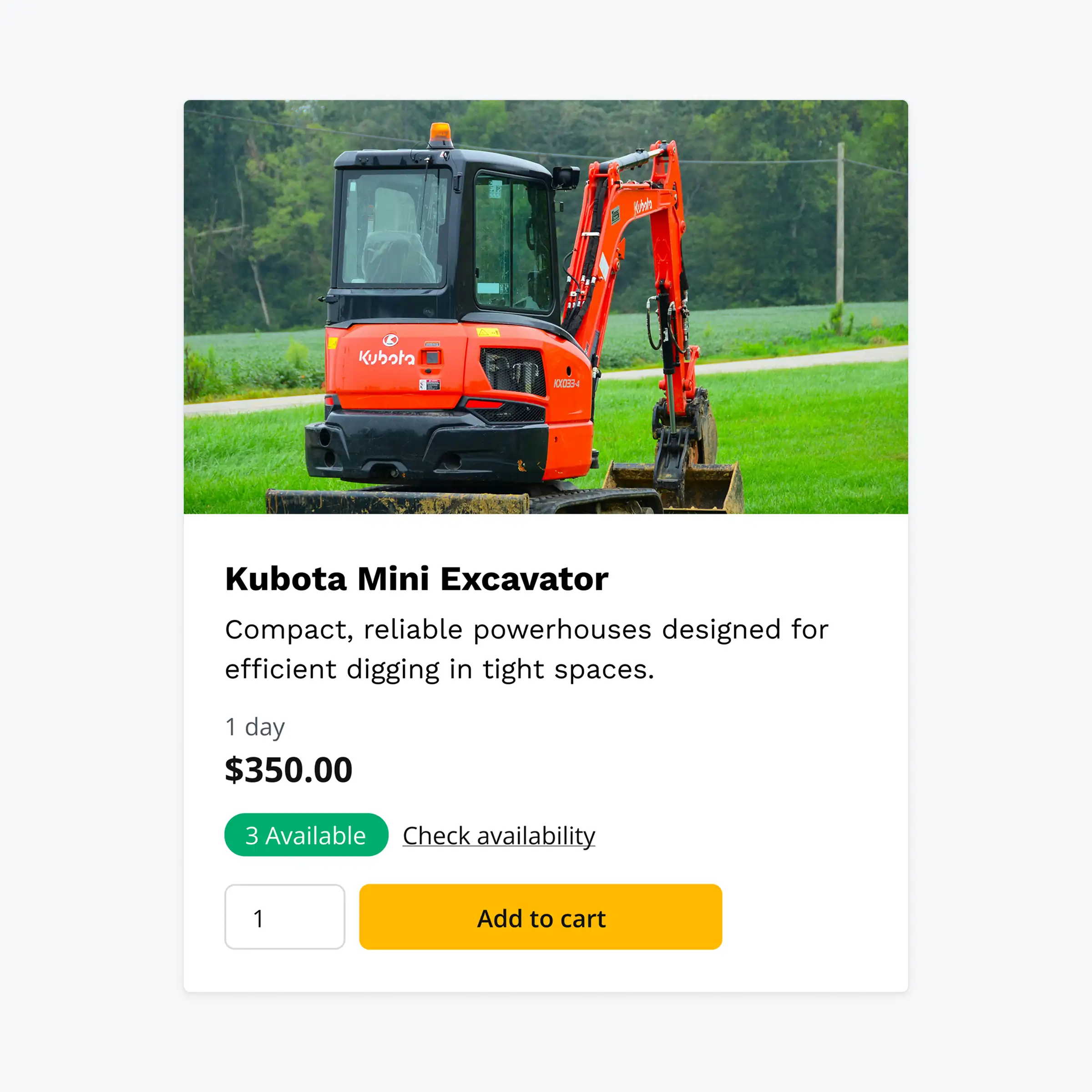
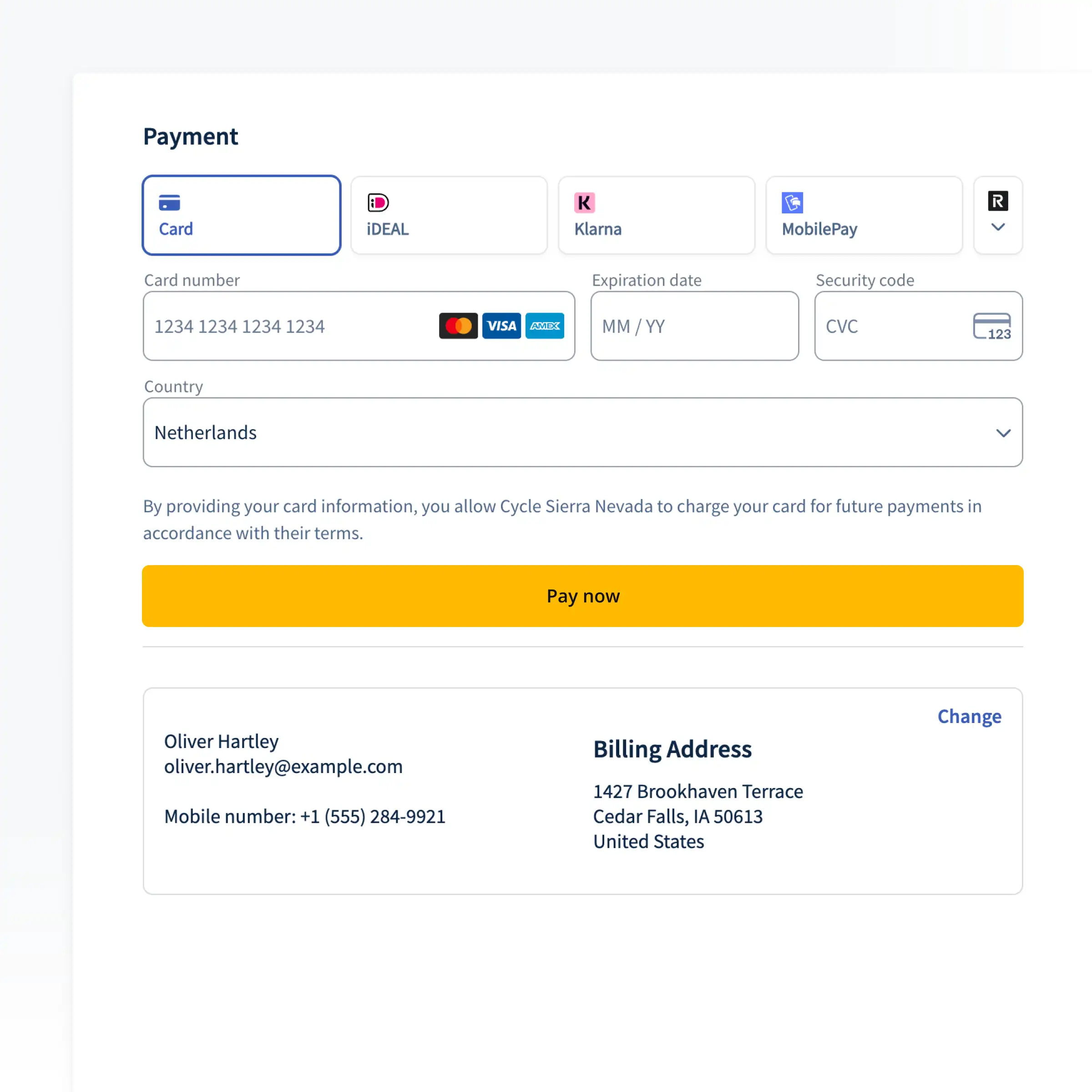
Get up and running fast with Lovable + Booqable
Build a stunning website with Lovable’s AI tools, then add Booqable to handle the heavy lifting of availability, bookings, and rental management.
Start renting online in 3 simple steps
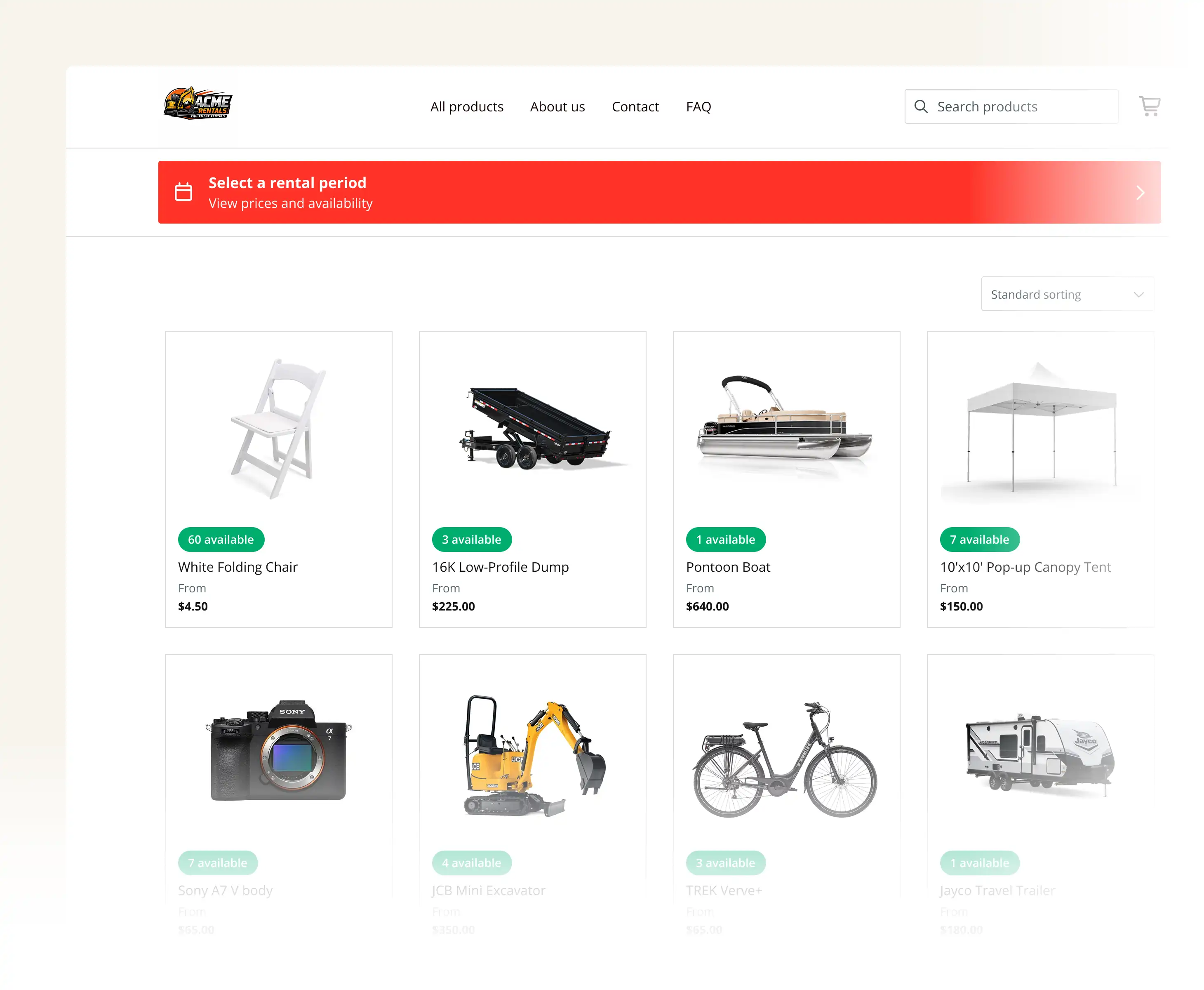
Copy your rental buttons
Grab the “Rent now” button codes for your products from Booqable to link your inventory to your Lovable design.
Build your site with Lovable
Describe your site to Lovable and include your embed codes in the prompt to automatically place them on your product pages.
Install your rental checkout
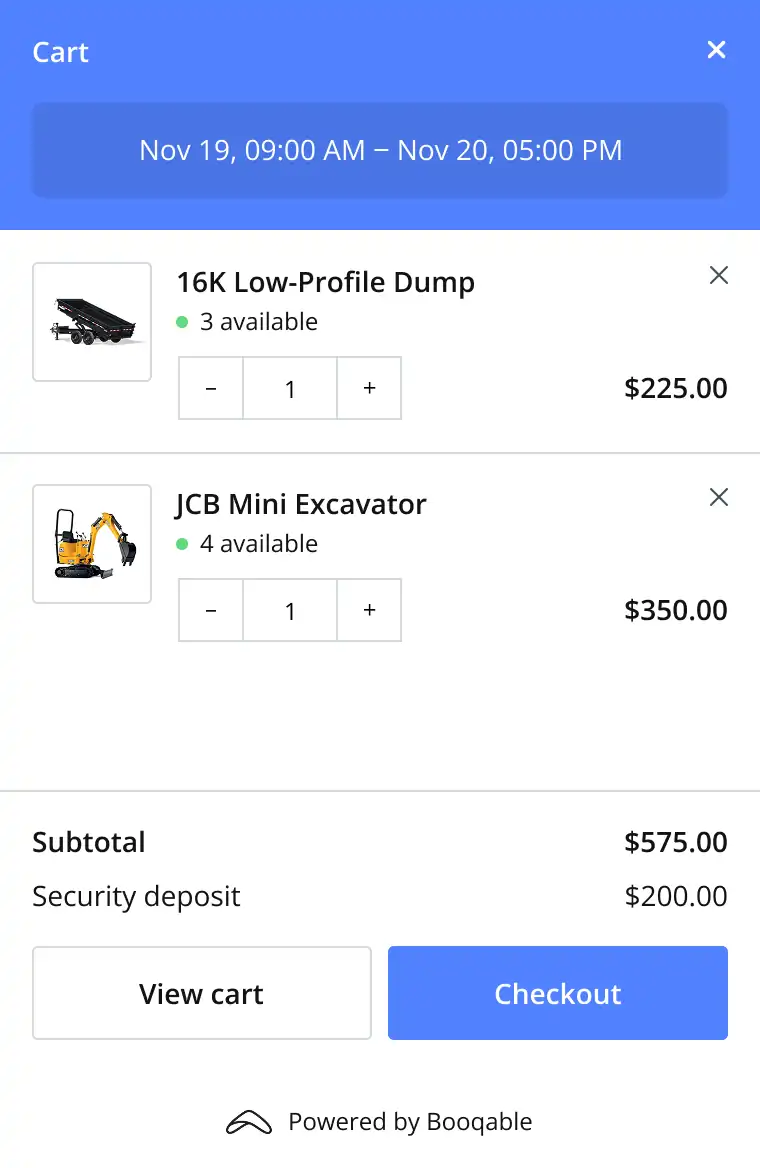
Paste the Booqable JavaScript snippet into your Lovable project to instantly enable the rental cart and secure checkout.
LOVABLE + BOOQABLE
Combine Lovable’s design flexibility with Booqable’s rental logic
Let Lovable handle the UI while Booqable runs your entire rental operation behind the scenes.
Real-Time Inventory Sync
Give customers the confidence to book instantly with live availability on your Lovable site.
Flexible Pricing Rules
Set tiered and seasonal prices that update automatically the moment they change.
Built-in Rental Documents
Generate professional invoices and contracts for every order without lifting a finger.
Secure Checkout & Deposits
Accept payments and charge security deposits through a secure, branded checkout.
Smart Product Bundles
Offer complete packages and kits to boost your average order value.
Mobile Rental Management
Scan barcodes and manage your rentals on the go with the Booqable mobile app.
FAQ
Frequently Asked Questions
Try Booqable for free
Get full access for 14 days and see how easy managing rentals can be.
- Free 14-day trial
- No credit card required