February 18, 2026
What’s new: New tooltips, bulk action, email variable, and more!
New tooltips have been added to the order screen so you can better understand order totals without having to search through your product settings.
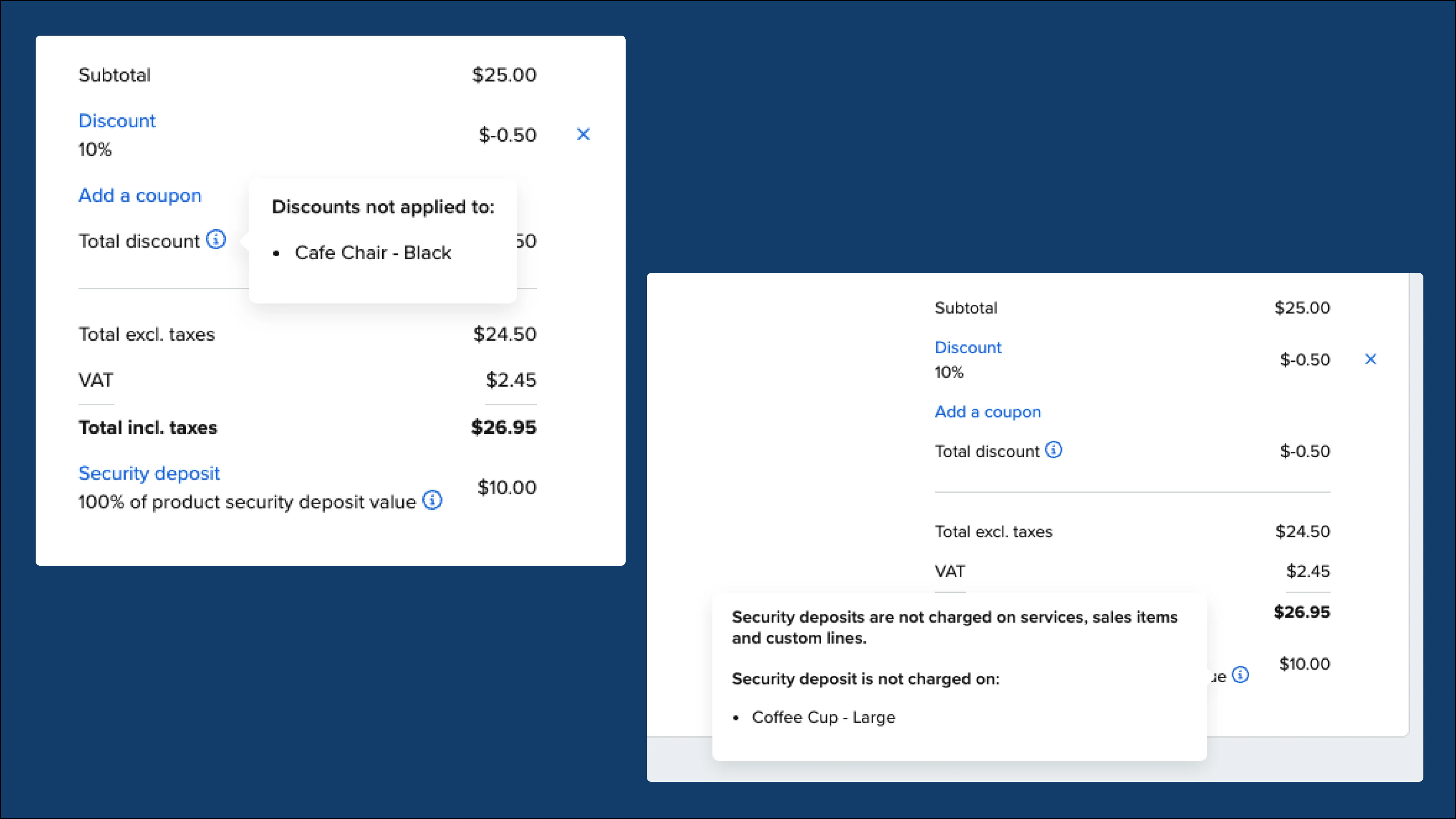
These tooltips indicate when a product is non-discountable, non-taxable, or has no deposit and specify the exact products impacted.
Fixes and improvements:
-
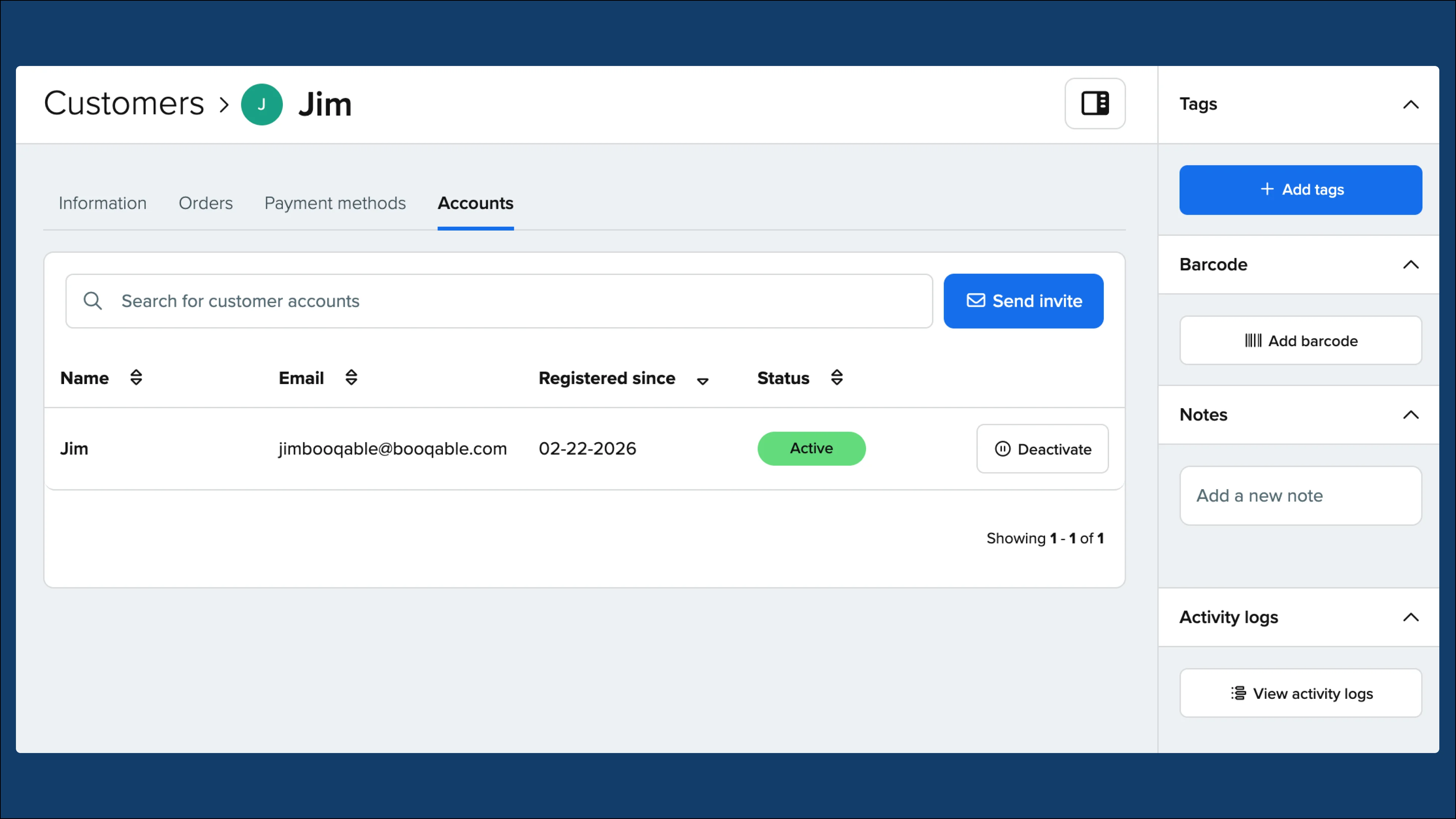
Added a new option in the customers Actions dropdown to bulk send account creation invites
-
A new email variable has been added to display a breakdown of taxes by tax group which you can find in our Help Center article: How to use variables to populate your email templates
-
Break up bundles are now fully supported in the mobile app so you can now adjust pricing and quantity of bundle contents to better manage orders from your phone
-
Order search now supports searching by customer email, making it easier to quickly find the right order
-
Improved away mode so that if an away period covers all operating hours for that day, the day will be disabled
-
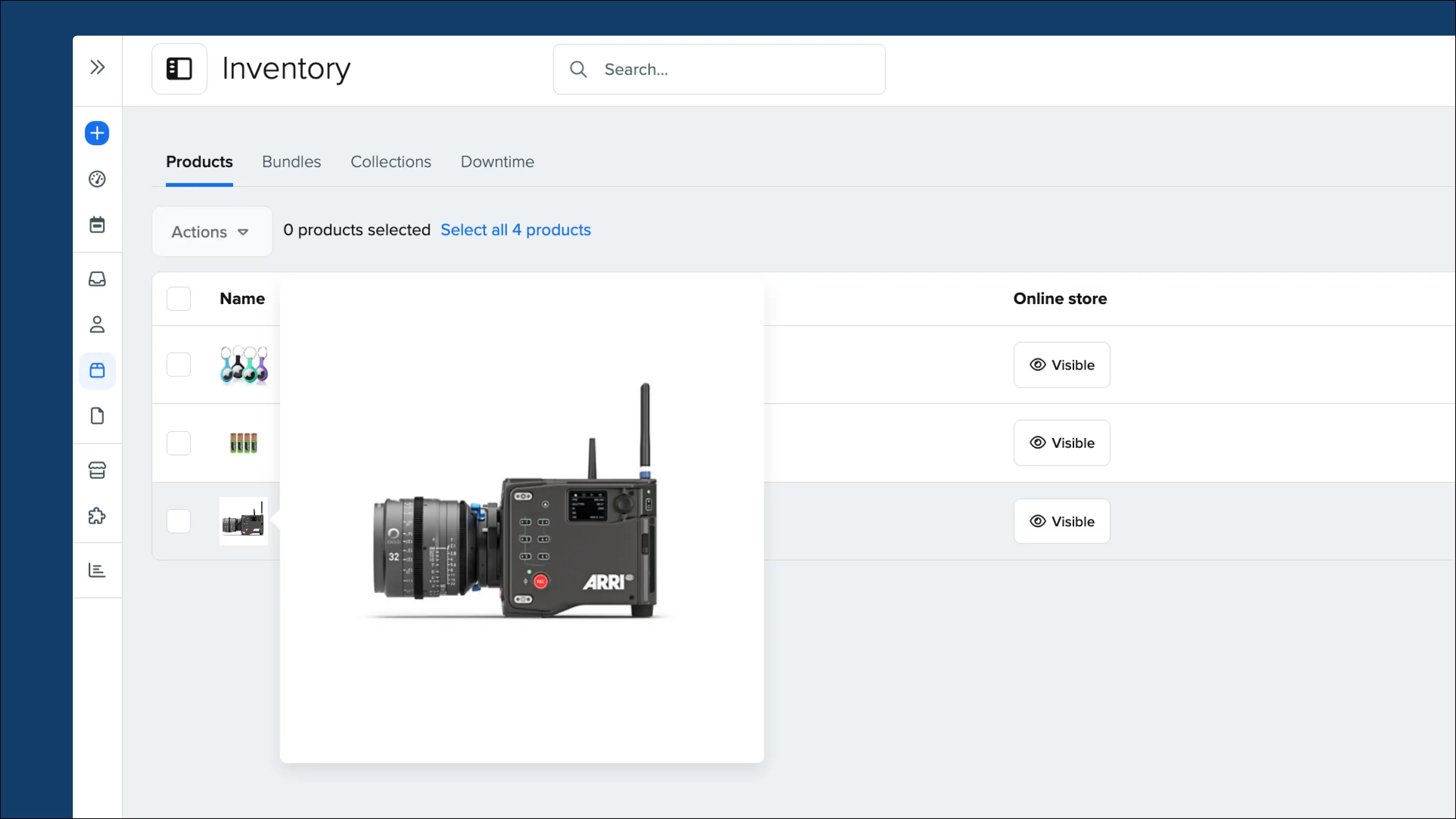
Products in the website builder now show a preview of the specific product clicked instead of a generic template
-
Scanning QR codes has been improved and codes containing characters such as “/” will match to the corresponding product
More tooltips:
-
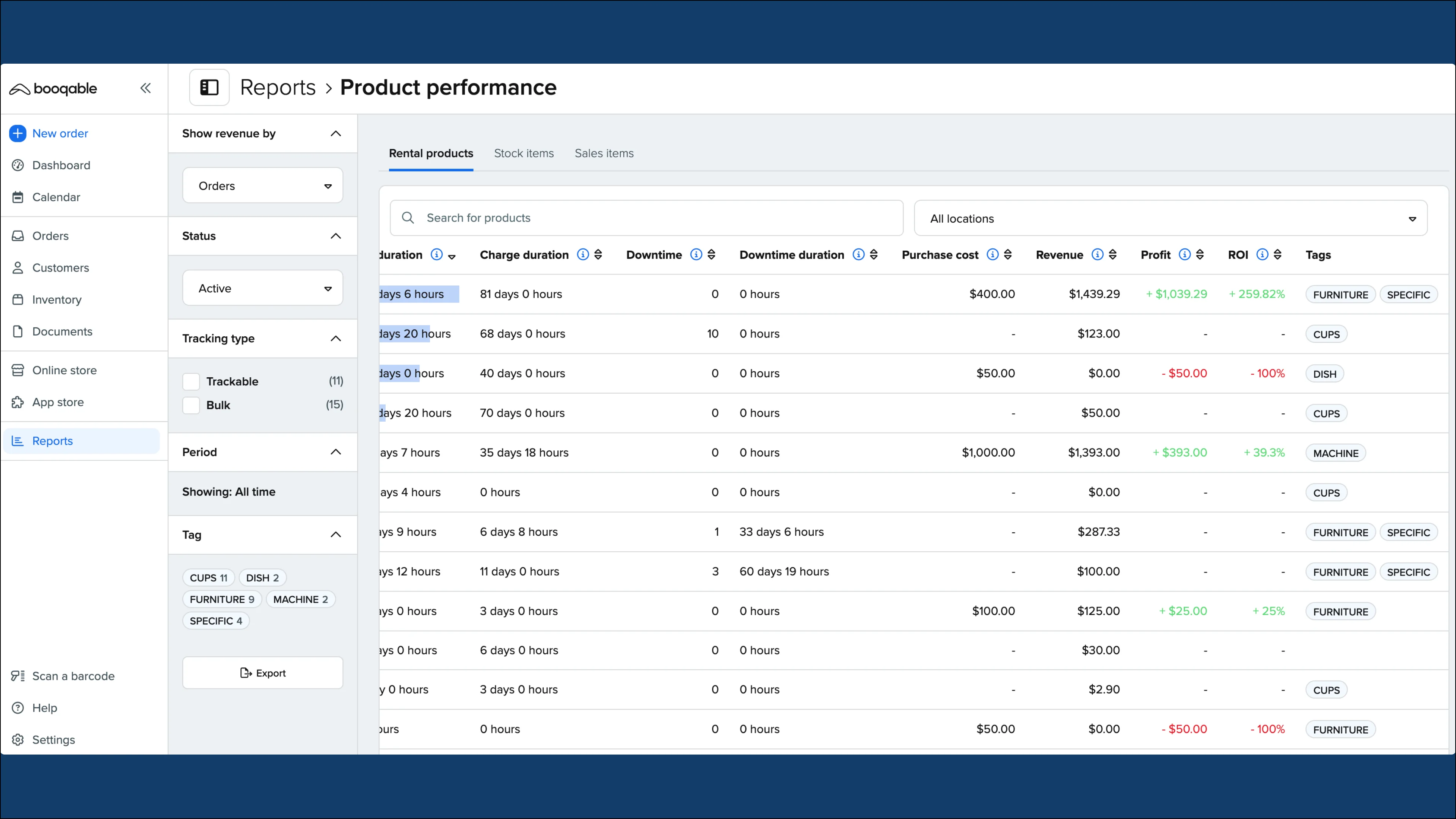
New tooltips added to rent duration, charge duration, and revenue in the product performance reports
-
Revenue and Due amount explanations have been added to the Orders page