Accept Tap to Pay on iPhone with the Booqable app
Turn your iPhone into a mobile Point of Sale. Take payments in-store, on delivery, or anywhere else with Tap to Pay.
Free 14-day trial, No obligations, no credit card required.


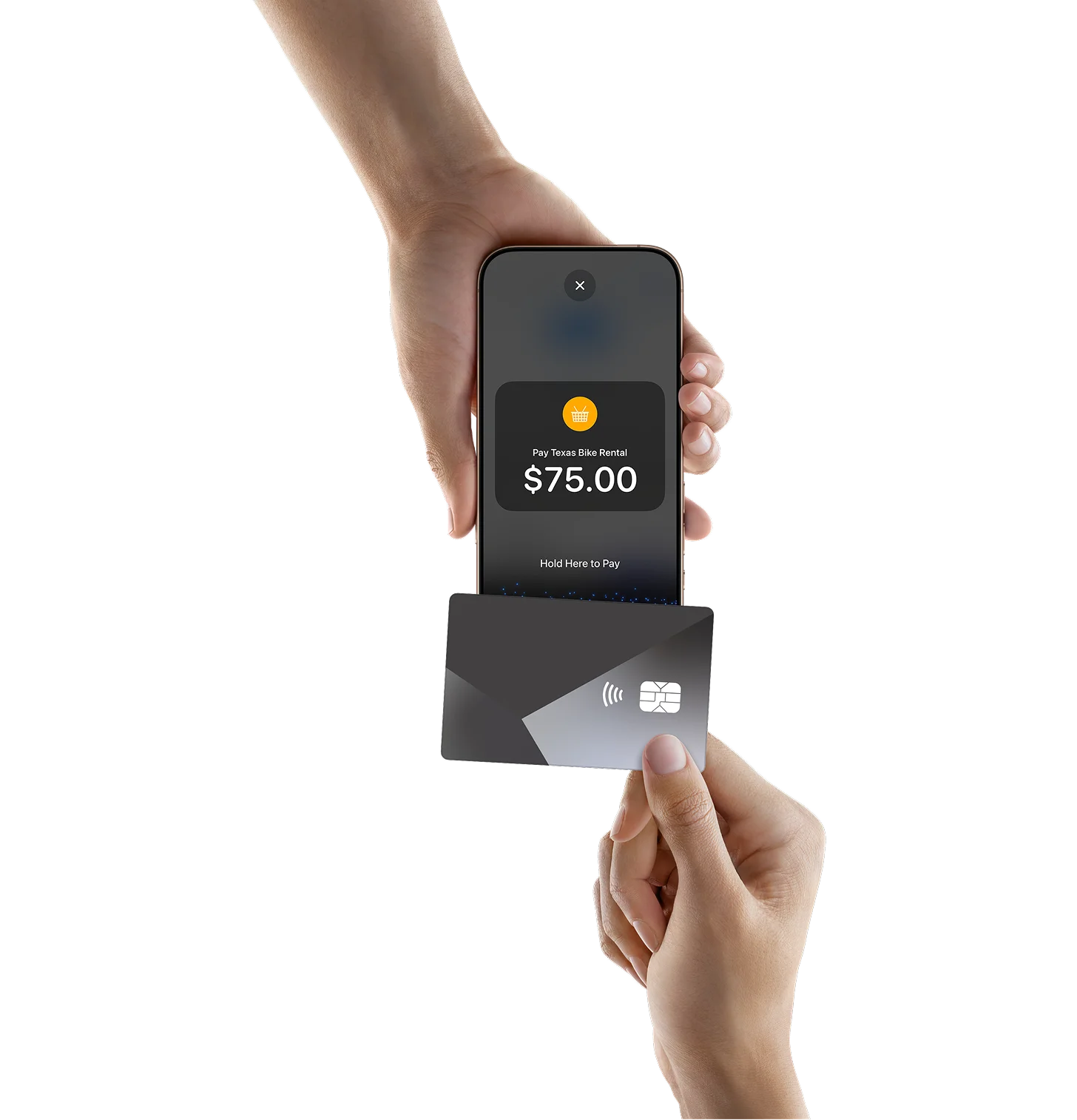
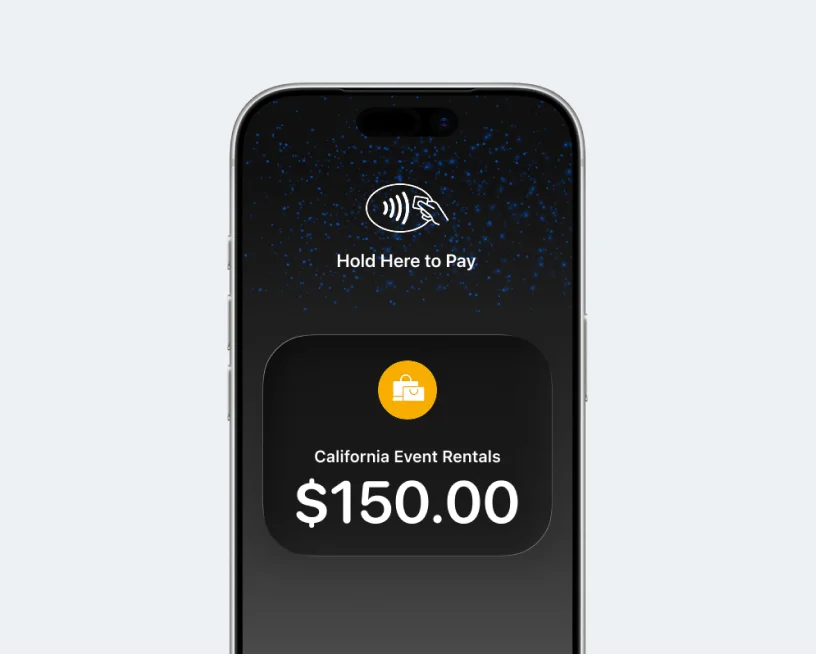
All you need is your iPhone
Accept Tap to Pay with iPhone anywhere, anytime, without extra hardware.
No additional hardware
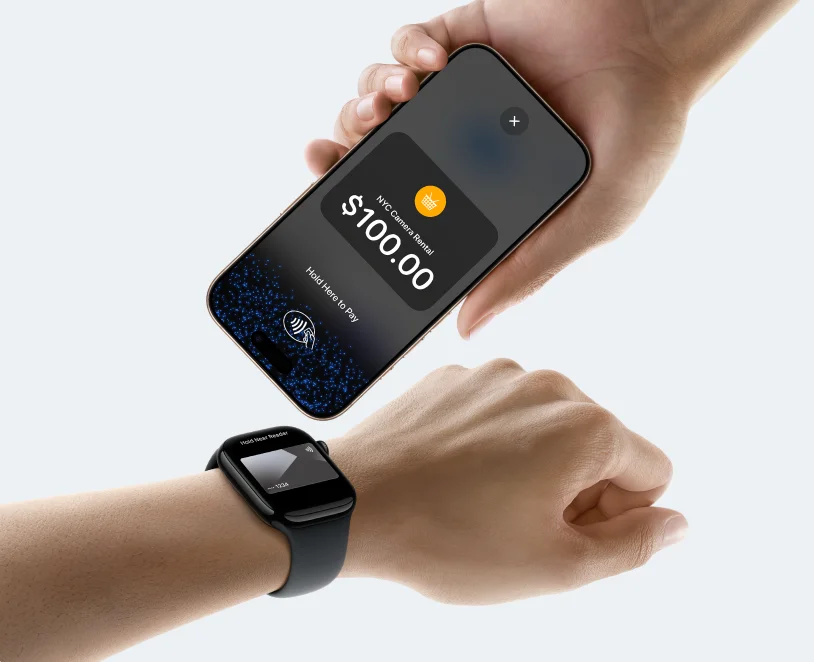
Get paid where rentals happen
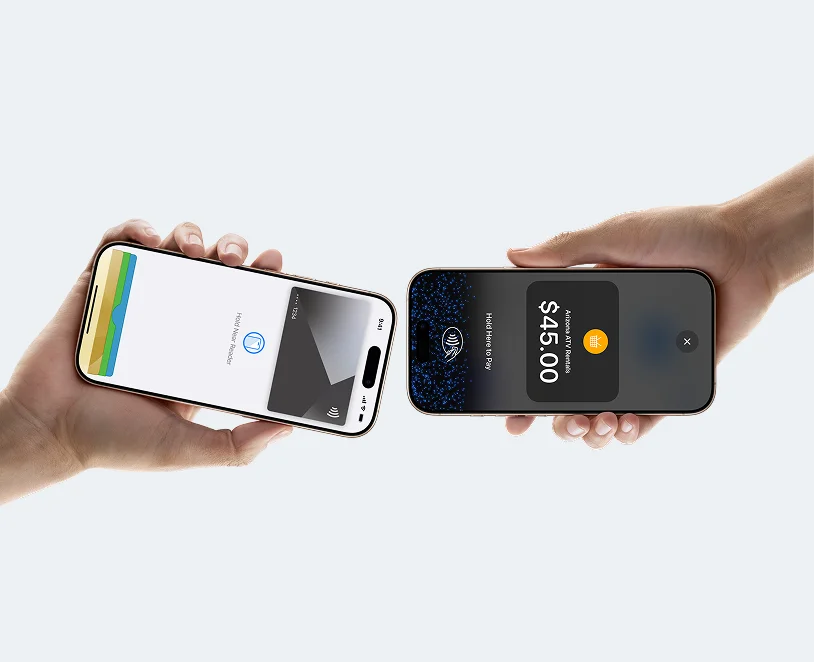
Built with security in mind
Get started in just a few simple steps
Start accepting payments on your iPhone in minutes.
Step 1
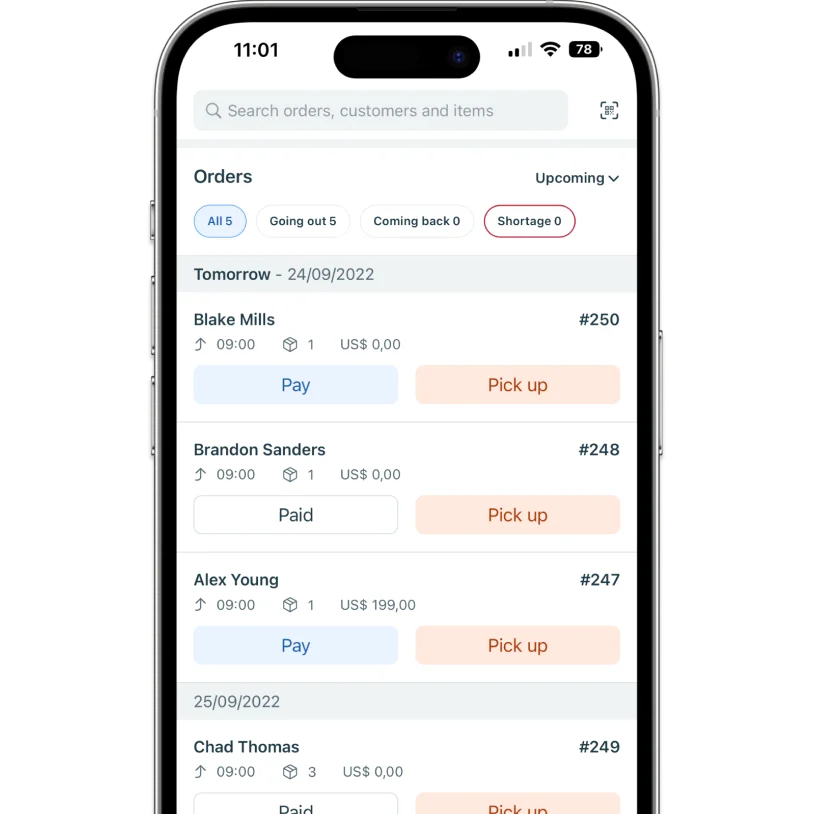
Open an order
Open the Booqable mobile app and select the order you want to charge.
Step 2
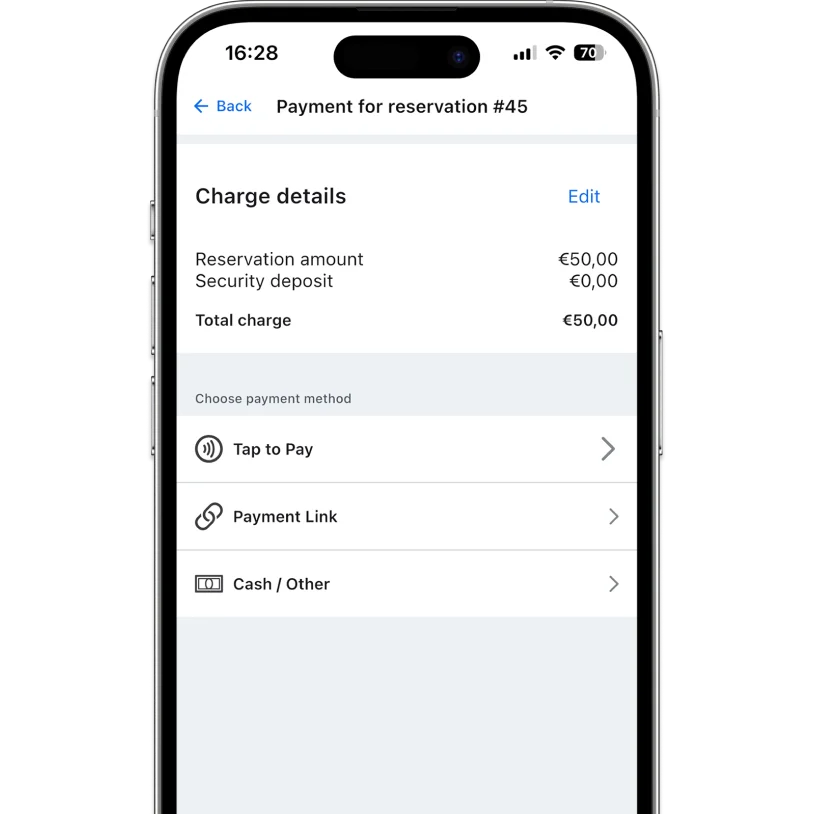
Choose Tap to Pay
Tap Pay and select Tap to Pay as the payment method.
Step 3
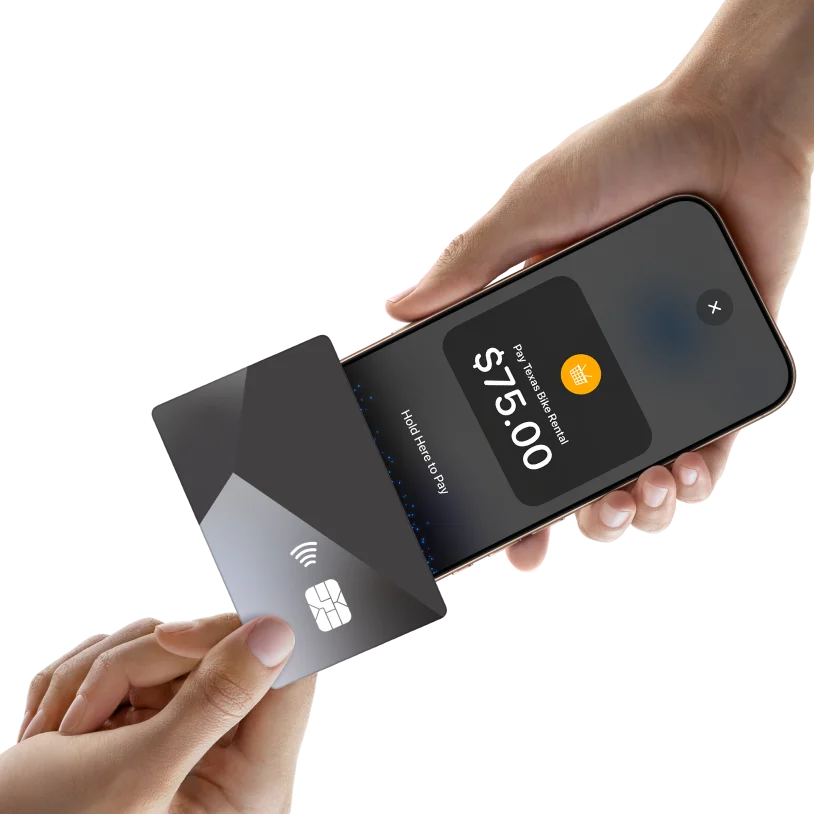
Present to the customer
Hold out your iPhone so the customer can tap their card or wallet.
Step 4
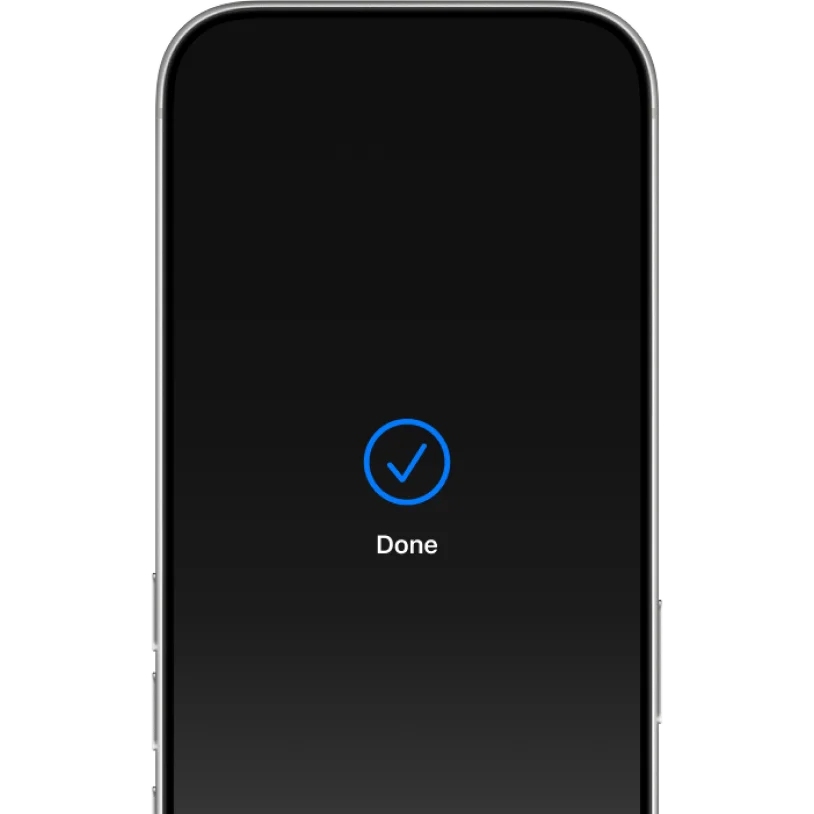
Get paid instantly
The payment is confirmed and marked as paid in Booqable.

Let customers pay quickly with Tap to Pay on iPhone
Accept payments fast and securely using contactless cards and digital wallets.


Try Booqable for free
Get full access for 14 days and see how easy managing rentals can be.