January 28, 2026
What’s new: Reporting refinements & interface clarity
New pop-ups, detailed information, and visual enhancements have made report data easier to understand.
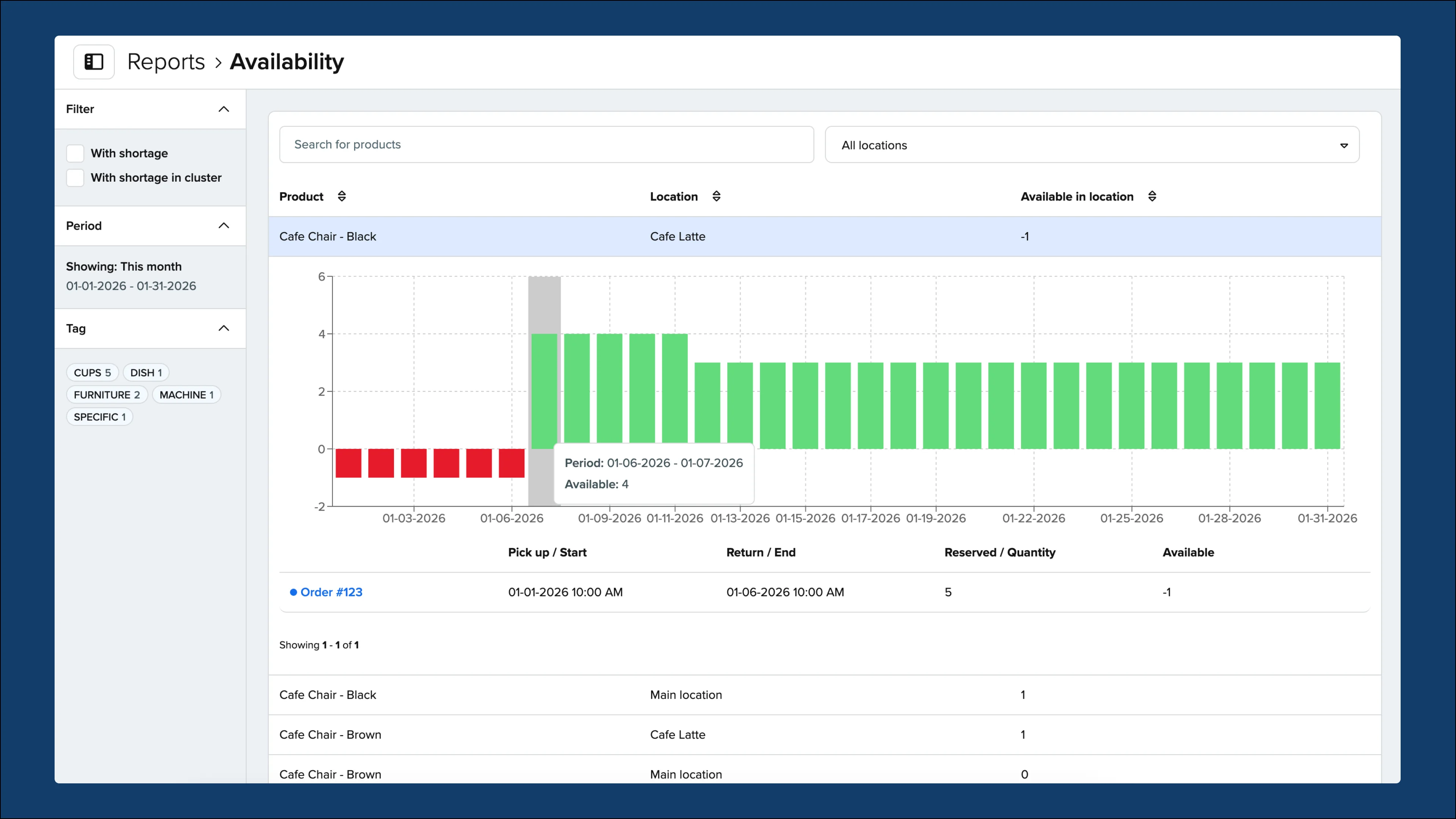
When hovering over the charts in the Availability report, a pop-up now shows the date range for a more clear understanding of the period being referenced.
Fixes and improvements:
-
Reordering your sub-collections from the Inventory > Collections will now be automatically updated in your online store’s menus so you can freely make changes without needing to manually update any menus.
-
When a shortage is present in your orders, the Shortages button has been changed to red so they are more distinct.
-
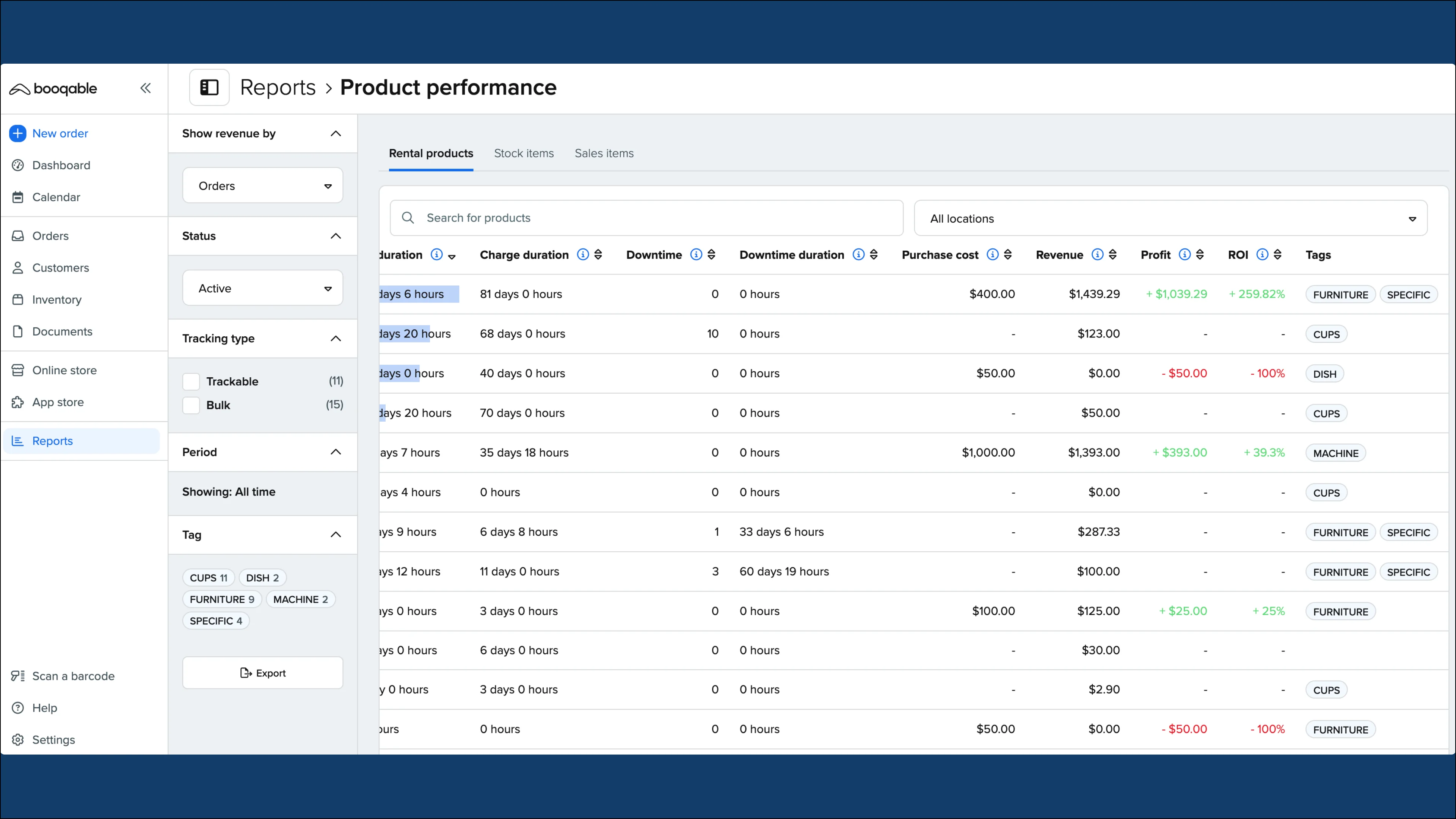
The Product performance report shows a graph for downtime alongside the existing rented count which has been clarified with a legend to differentiate the two pieces of data.
-
Sorting the service items in your cart has been improved and can be set from the product’s Online store settings and assigning number values for the Sorting order.
-
When changing themes, we renamed the button from Publish to Switch and publish to make it clear that this changes the active theme and publishes it at the same time.
-
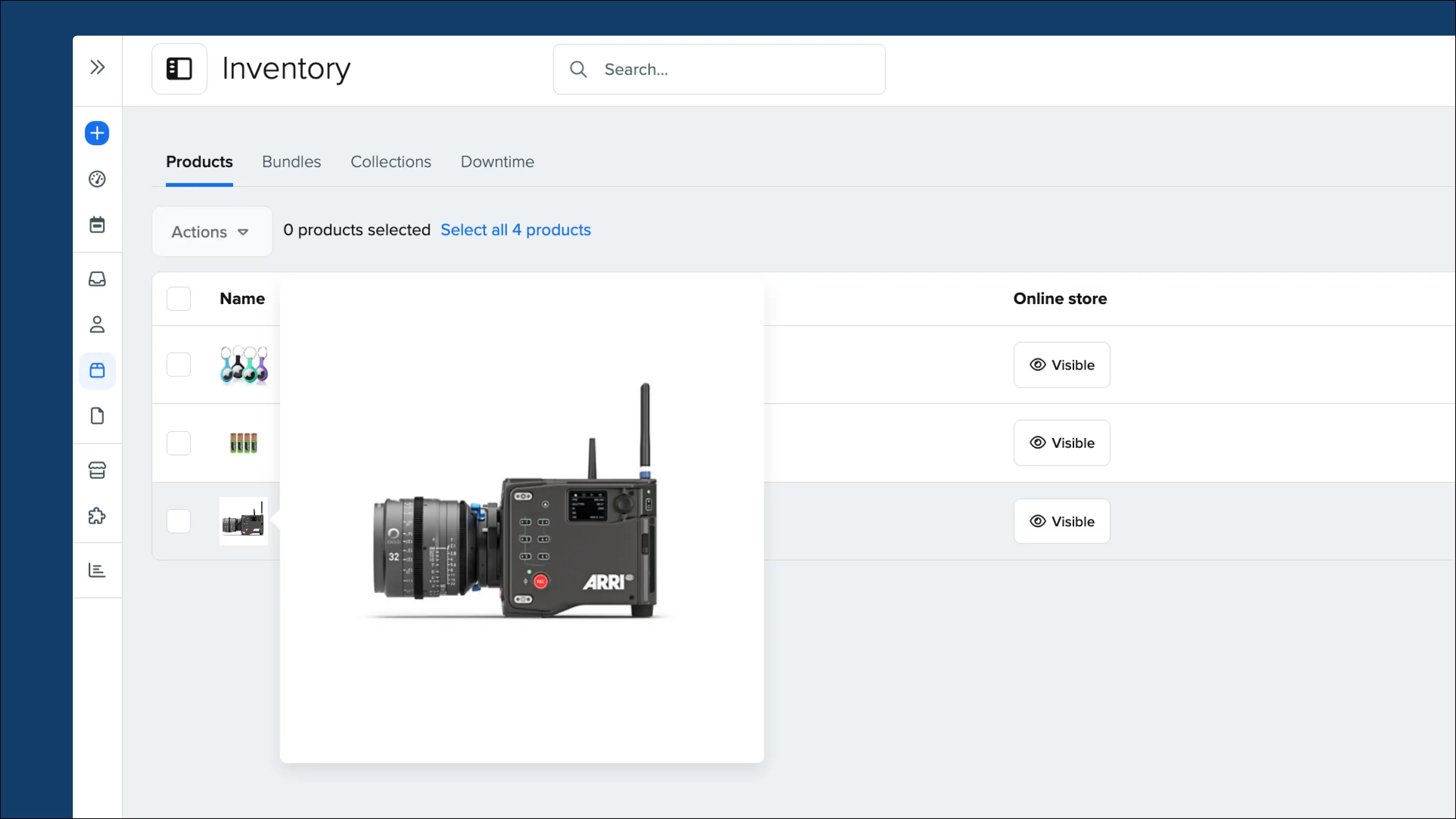
Collapsed filters from your Inventory are now saved so when you navigate away from the page, you no longer need to collapse the filters again.