
Comience a alquilar en línea en menos de 20 minutos
¿Está iniciando una nueva operación de alquiler o añadiendo alquileres a su negocio? Booqable hace que sea muy fácil configurar el inventario y recibir reservas en línea.
- Prueba gratuita de 14 días
- No se requiere tarjeta de crédito
Confiado por 8.000+ empresas de alquiler en todo el mundo
















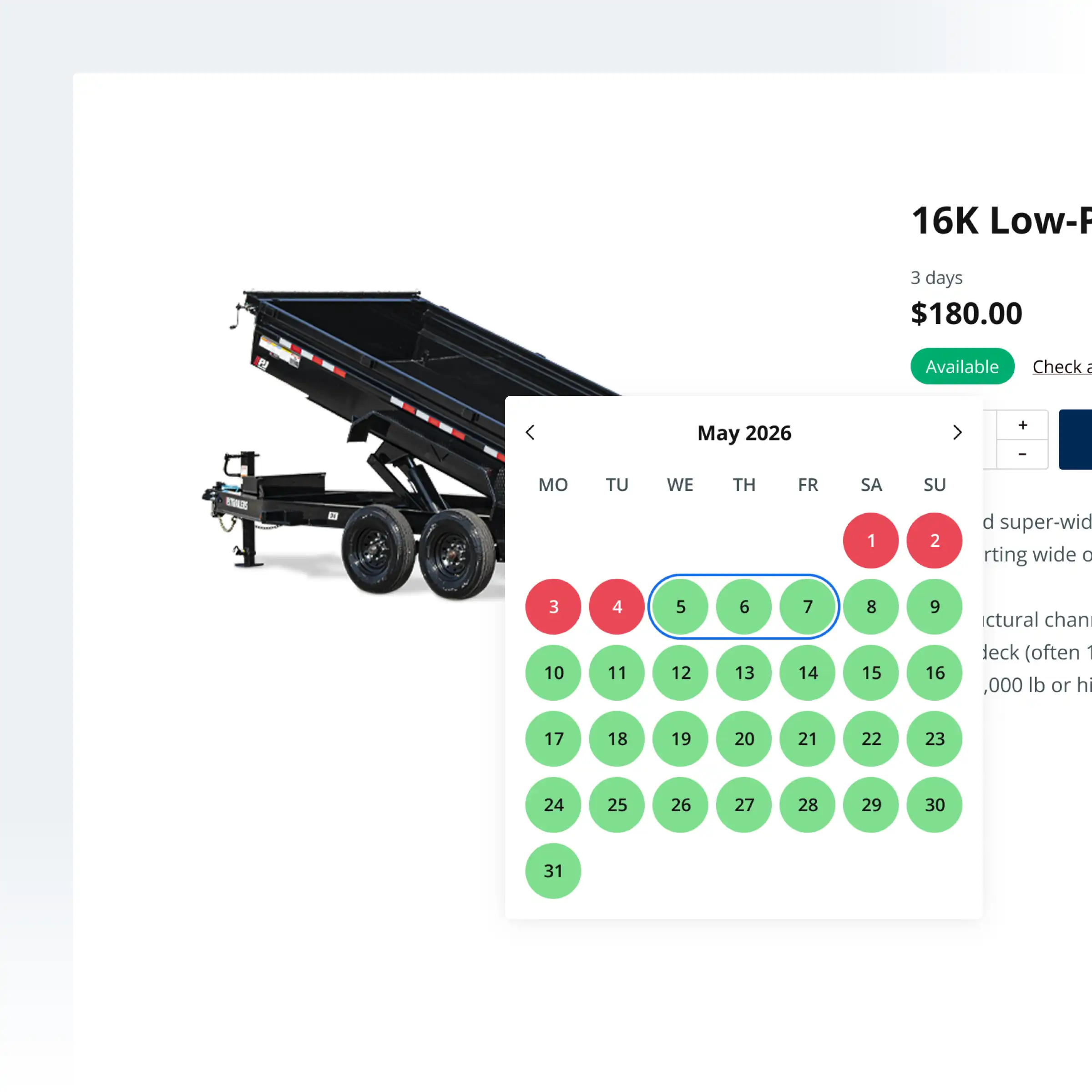
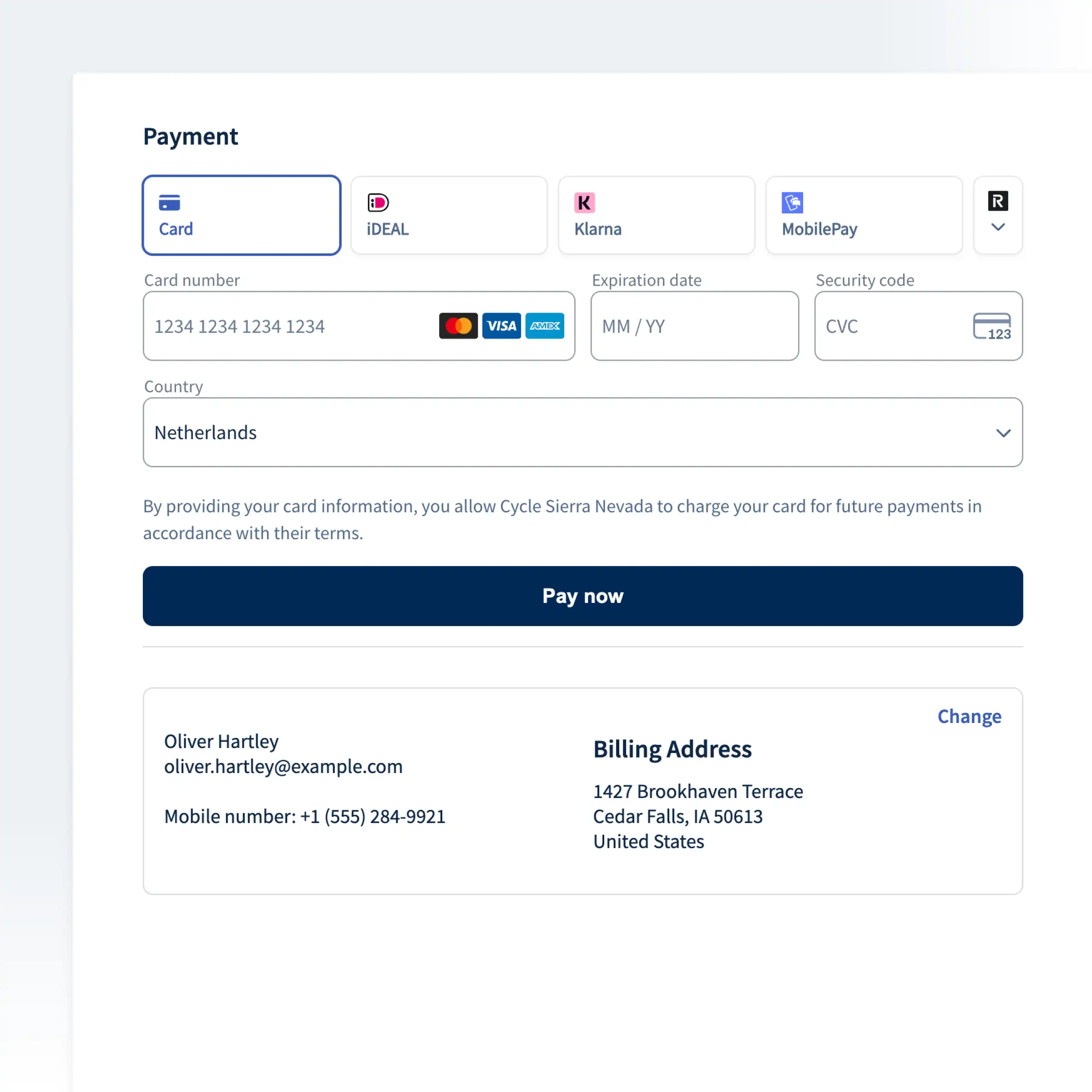
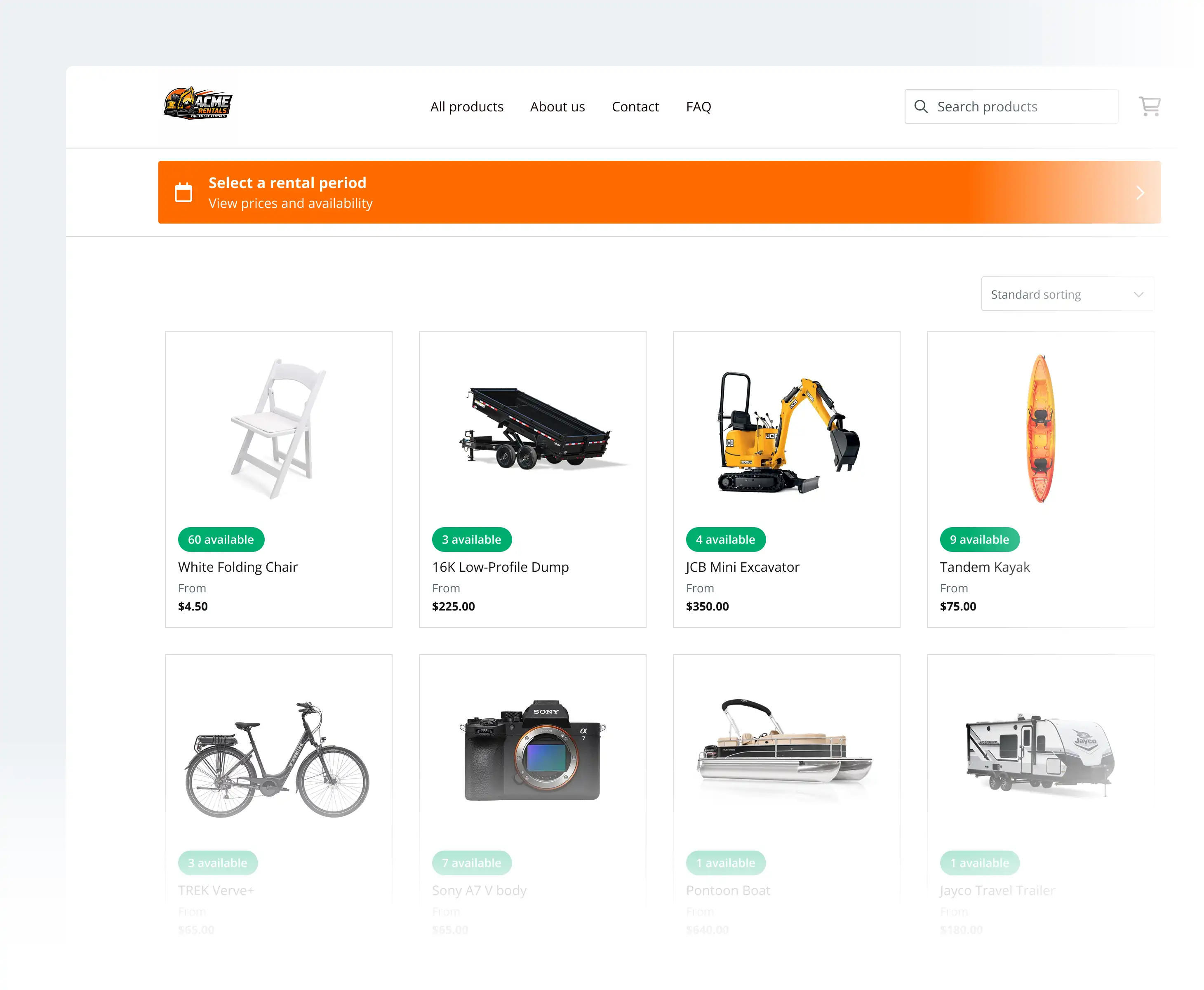
La tienda de alquiler que puede lanzar hoy
Descubra la forma más rápida de comenzar a alquilar en línea. Agregue una sección de "Alquileres" o "Reservar ahora" a su sitio web o comparta su página de reservas en las redes sociales.
Comience a alquilar en línea en 3 sencillos pasos
Complete su página de reservas
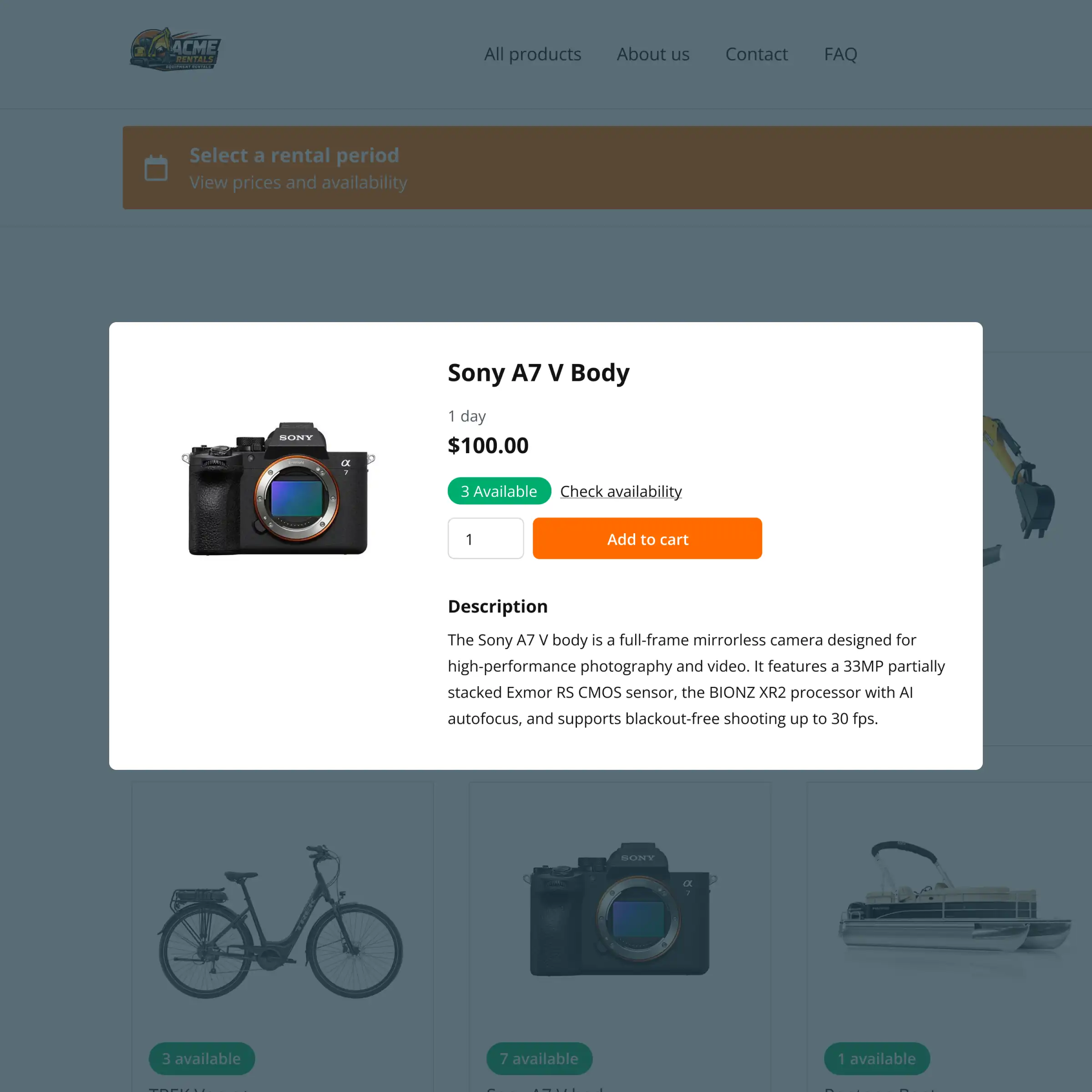
Agregue su equipo de alquiler, configure la disponibilidad y personalice la experiencia de reserva para que se adapte a su operación de alquiler.
Comparta su enlace de reserva
Use su página de reservas alojada como una tienda independiente, enlácela desde su sitio web o compártala en sus perfiles de redes sociales.
Reciba reservas en línea
Los clientes seleccionan fechas, eligen productos y completan su reserva en línea. La disponibilidad se actualiza automáticamente.
Cómo empezar rápidamente con los alquileres en línea
Siga nuestra guía paso a paso sobre cómo comenzar a alquilar en línea con la página de reservas de Booqable.
FUNCIONES DE RESERVA EN LÍNEA
Una tienda de alquiler completa, lista para usar
Reciba reservas en línea y luzca profesional desde el primer día.
Diseño Profesional
Página de reservas optimizada para alquileres que presenta su negocio de alquiler de manera profesional.
Optimizado para Móviles
Diseño responsivo que se ve perfecto en todos los dispositivos y tamaños de pantalla.
Sistema de Reservas Integrado
Una experiencia de alquiler dedicada que está conectada a su back-office de Booqable.
Gestión de Contenido Fácil
Herramientas fáciles de usar para actualizar descripciones, precios e inventario usted mismo.
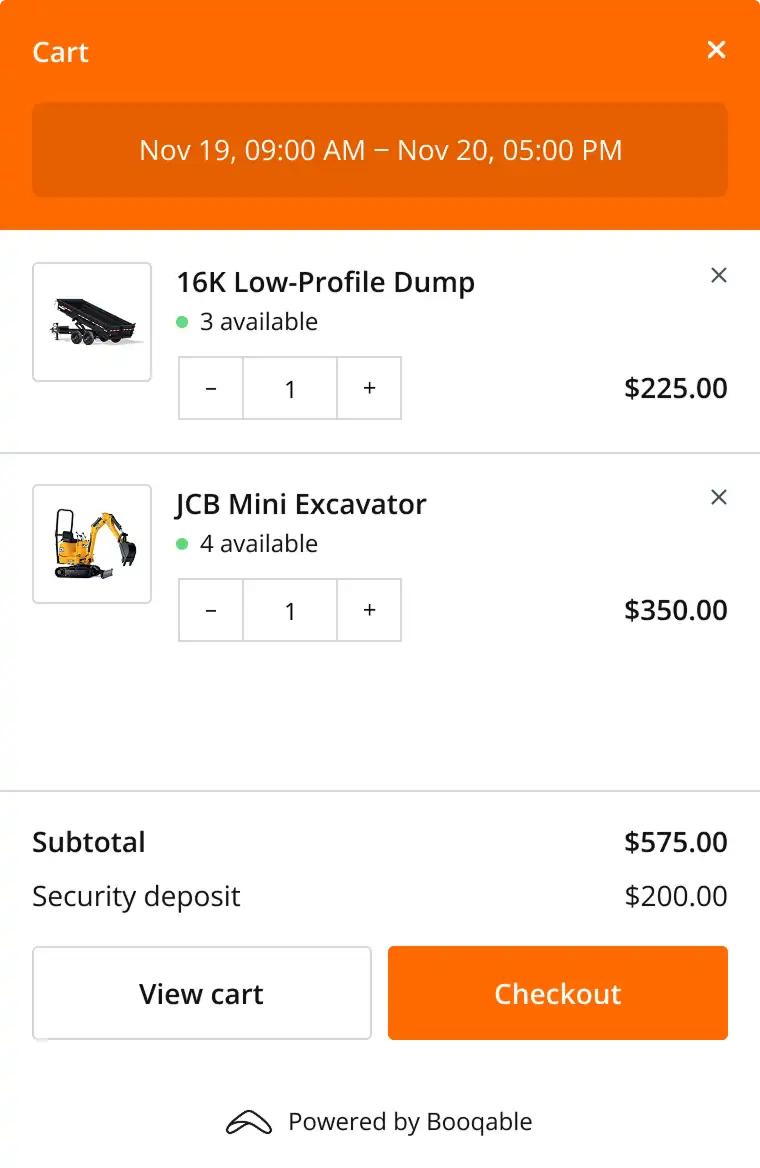
Proceso de Pago Personalizable
Ajuste el flujo de reserva y el proceso de pago para que se adapte a su operación de alquiler única.
Pagos en Línea
Aplicaciones de pago integradas con opciones para pagos iniciales y "Pagar después".
Pruebe Booqable gratis
Obtenga acceso completo durante 14 días y compruebe lo fácil que puede ser gestionar los alquileres.